
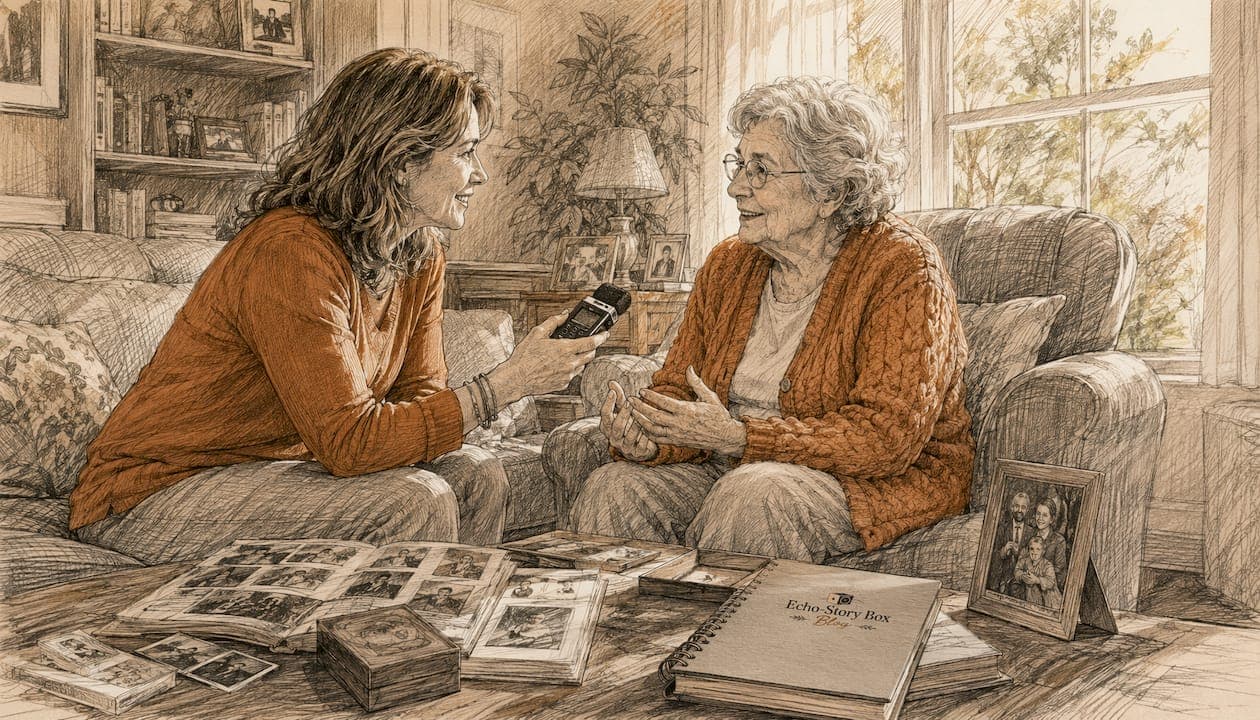
Record a 10–20 minute morning conversation on your smartphone today. Label the file, back it up to two cloud services and an external drive, and you have already done the most important thing. That single recording is how you preserve an aging parent's voice for family in a way that photos and written notes simply cannot match.
Why does it matter so much? Neuroscience research shows that hearing a familiar, loved voice activates emotional and relational memory circuits that photos or text do not reach. For a young child, that means Grandma's laugh and the rhythm of Grandpa's storytelling become part of how they know and remember that person, even years later. Get consent first, choose one short prompt, press record, and save copies. That is the whole plan in four steps.
Pro Tip: Don't wait for a "right moment." A casual kitchen conversation recorded this week is worth more than a perfectly planned session that never happens.
Table of Contents
- Why does a voice recording do something a photo cannot?
- How to plan a recording session that feels calm and natural
- What prompts actually unlock good stories
- Which recording setup is right for your family?
- How to edit, label, and organize recordings
- Where should you store recordings so they last?
- How to make Grandma's voice part of a child's daily life
- Your one-page checklist and 10-minute starter script
- Key Takeaways
- Why this work matters more than most families realize
- Echostory-box makes family voice preservation simple and screen-free
- Useful sources and further reading
Why does a voice recording do something a photo cannot?
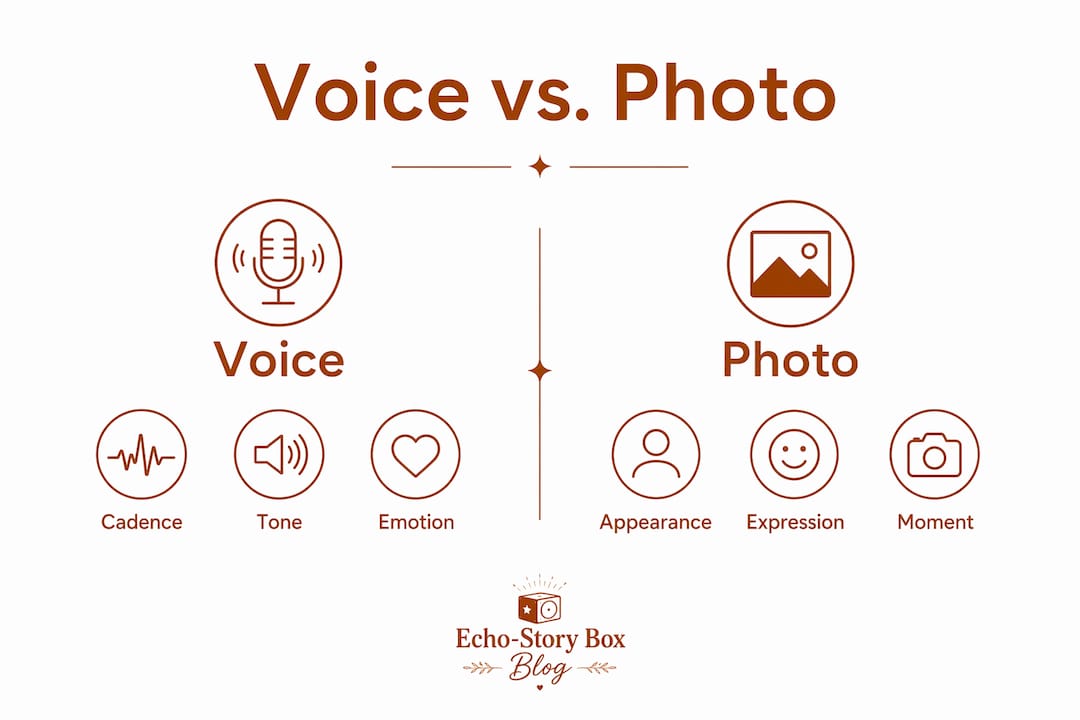
A photograph shows a face. A voice recording gives you the person. You hear the warmth in how they say your name, the way their laugh rises, the specific pause before they make a point. Those details carry living presence in a way no image can.
For children, this difference is especially real. A grandchild who never met a great-grandparent can look at a photograph and feel little personal connection. But hearing that great-grandparent speak, telling a story or sharing something they believed, creates genuine connection across generations. A 15-minute voice session yields much more raw material than typing and preserves tone and dialect that text loses entirely.
The recordings also grow in value over time. What feels like an ordinary conversation now will feel like a priceless artifact in twenty years.
| What voice captures | What photos capture |
|---|---|
| Cadence, rhythm, and tone | Appearance and expression |
| Laughter and pauses | A single frozen moment |
| Dialect and vocabulary | Visual context |
| Emotional presence | Physical likeness |
| Stories in the narrator's own words | A prompt for memory |
How to plan a recording session that feels calm and natural
The most important rule oral-history practitioners share: you are a guest. The narrator is in charge.
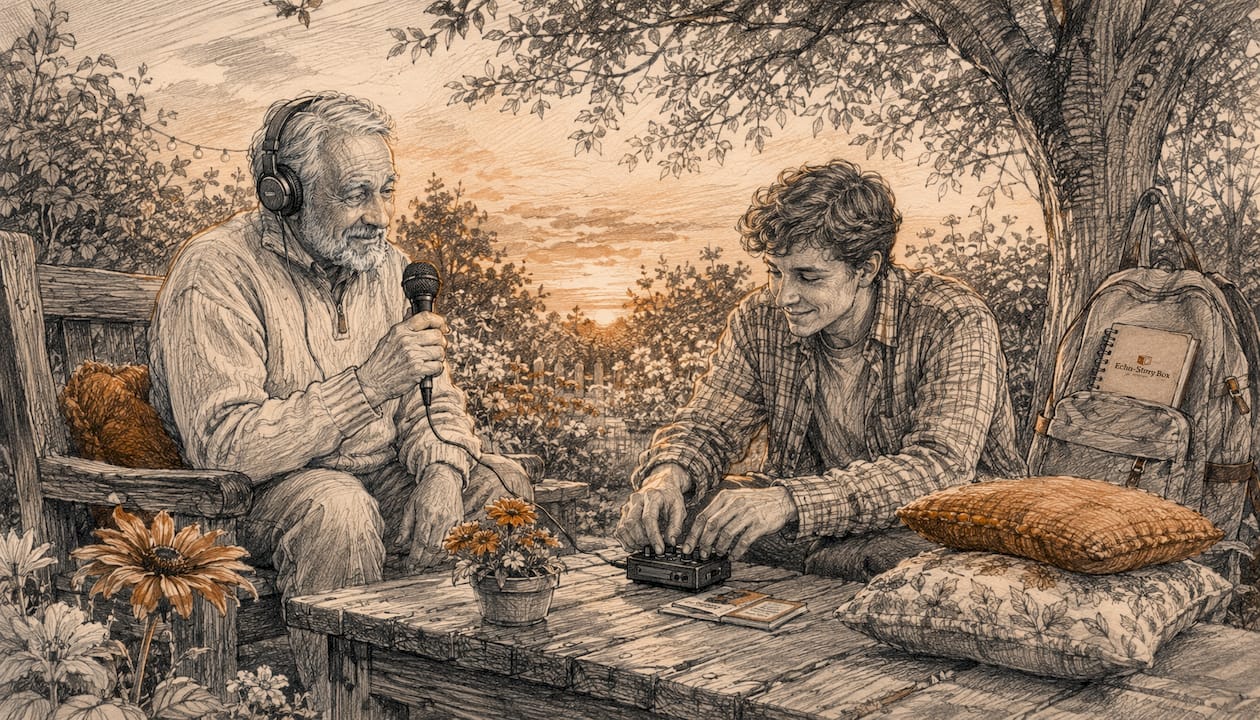
Consent first. Ask plainly: "Would you be willing to let me record you talking about your childhood? I'd love for the kids to hear your stories someday." Explain who will hear it, where it will be stored, and that they can ask you to remove anything afterward. Informed consent is not a formality; it is what makes the recording feel safe for everyone.
Timing and environment matter. Schedule sessions when the narrator is most alert, which is often morning. Choose their home, a familiar chair, a quiet room. Close windows, silence phones, and check that any medication taken that day does not cause drowsiness. A calm space produces a calm recording.
Keep sessions short. Practitioners recommend a maximum of 45–60 minutes per session, with 15–45 minutes being ideal. Plan multiple sessions spread over time. Later sessions often become richer than the first as trust and rhythm build.
- Decide in advance who else, if anyone, should be present
- Agree on any topics that are off-limits before you press record
- Let the narrator know they can pause or stop at any time
What prompts actually unlock good stories
Avoid the word "interview." Instead, use objects, old photos, or a specific place as your starting point. "Tell me about the house you grew up in" opens far more than "Tell me about your childhood."
Starter prompts by topic:
- Childhood: "What did the kitchen smell like when you were little?" / "What did you want to be when you grew up?"
- Work and purpose: "What's the hardest thing you ever had to figure out at work?" / "What are you most proud of?"
- Love and family: "How did you and [spouse] first meet?" / "What did dinner look like in your house growing up?"
- Holidays and traditions: "What's a holiday memory that still makes you smile?" / "Is there a tradition you hope we keep?"
- Everyday life: "What did a normal Saturday look like when you were my age?"
A 10-minute starter script:
- Opening (1 minute): "I'm recording this so [child's name] can hear your voice and your stories. We'll just talk. There are no wrong answers."
- First prompt (4 minutes): "Tell me about the neighborhood you grew up in. What did it look, sound, and feel like?"
- Second prompt (4 minutes): "What's one thing you hope [child's name] always knows or remembers?"
- Closing (1 minute): "Thank you. This means so much to us. We'll listen to this together."
After asking any question, wait in silence. Count to ten in your head before speaking again. Some of the richest answers surface after a pause.
Which recording setup is right for your family?
You do not need expensive gear. A quiet room and a phone held 12–18 inches from the narrator's mouth will produce a recording a child can treasure for life.
Three tiers to consider:
- Phone only: Open your phone's built-in Voice Memos app (iOS) or Recorder app (Android). Close all other apps, check battery, do a 15-second test playback, then begin. This is the fastest path to a first recording.
- USB lavalier or handheld recorder: A clip-on lavalier microphone plugged into a phone reduces room noise noticeably. A handheld digital recorder like a Zoom H1n gives you a dedicated device and better audio quality for longer projects.
- Dedicated family device: For ongoing legacy use and playback with young children, a device like the Echo-Story Box lets you store and play family voice recordings through a simple, screen-free tap-to-play experience. Children tap an NFC story card and hear Grandma's voice without navigating any menus.
File format basics: Record in WAV or AIFF for archiving (lossless quality). Convert to MP3 only for sharing or sending by email. Never archive in MP3 alone; the compression is permanent.
Quick setup checklist:
- Charge device to 100%
- Close background apps
- Place mic 12–18 inches from narrator
- Record 15-second test, play it back
- Begin recording
Biographical audiobook services are worth considering for large projects or when a narrator has complex emotions to navigate. Guided sessions with a professional can produce meaningful results, though they may also surface difficult memories, so appropriate support matters.
Pro Tip: Soft surfaces absorb echo. Record in a carpeted room with curtains drawn rather than a hard-floored kitchen.
How to edit, label, and organize recordings
The goal is light editing, not polish. Oral-history practitioners consistently find that the most cherished recordings are the "imperfect" ones: the pauses, the laughter, the small hesitations. Those details are the legacy. Remove long stretches of dead air and obvious technical glitches, but leave everything else.
Filename format: YYYY-MM-DD_Location_Narrator_Topic — for example, 2026-03-15_GrandmasHouse_Dorothy_Childhood. Consistent naming makes files searchable years later.
Transcription: Run audio through a free automated tool like Otter.ai or Google's built-in transcription for a first draft. Spend 15–20 minutes doing a light human proofread to catch names and dialect. A transcript makes the recording searchable and accessible for family members who are hard of hearing.
- For simple cleanup, Audacity (free) handles noise reduction and silence trimming well
- For larger projects or audiobook production, consider outsourcing to a professional audio editor
Where should you store recordings so they last?
A recording stored only on one phone is one dropped device away from being gone forever. Follow the 3-copy rule:
- Local copy: External hard drive kept at home, clearly labeled
- Cloud backup: Google Drive, iCloud, or Dropbox, organized in a dedicated "Family Voices" folder
- Second location: A second cloud service (Amazon Photos, OneDrive) or a copy on a family member's computer in another household
After every session, complete this immediately: save to phone, upload to cloud, confirm the upload opened and played back correctly. Do not wait until you have several sessions to back up.
For long-term preservation, store in WAV or FLAC format. Plan to migrate files to new media every 5–10 years as storage technology changes. External hard drives have a practical lifespan of roughly 3–5 years before replacement is wise.
How to make Grandma's voice part of a child's daily life
The goal is not a file sitting in a folder. It is a voice that feels familiar and alive to a child. Grandparents' voices matter most when children hear them regularly, not just once.
- Toddlers (ages 2–3): Play a short recording during nap time or before bed. Familiar voices are calming and help children associate that voice with safety.
- Preschoolers (ages 3–5): Create a "story time with Grandpa" ritual two or three evenings a week. Keep sessions to 5–10 minutes.
- School-age children (ages 6–10): Let them choose which recording to play using a physical story card. The tactile choice gives them ownership of the experience.
The Echo-Story Box is built exactly for this. A child taps an NFC card labeled "Grandma's Stories" and the recording plays immediately, no screen, no scrolling, no ads. It fits naturally into bedtime routines and supports the kind of intergenerational connection that audio creates across generations.
For sensitive content, introduce it gradually and age-appropriately. A recording about a difficult family event is not a first listen for a five-year-old; save it for when they are older and can ask questions.
Your one-page checklist and 10-minute starter script
Pre-session checklist
- Confirm consent and explain who will hear the recording
- Choose a quiet, familiar room with soft surfaces
- Charge your device fully and close background apps
- Prepare two or three short, specific prompts
- Confirm your backup plan before you start
10-minute starter script
- Intro (1 min): "I'm recording this for [child's name] so they can hear your voice and your stories. Just talk naturally. There are no wrong answers."
- Prompt 1 (4 min): "Tell me about the neighborhood you grew up in. What did it look and feel like?"
- Prompt 2 (4 min): "What's one thing you hope [child's name] always carries with them?"
- Closing (1 min): "Thank you. This is a gift. We'll listen to this together."
Post-session tasks
- Save the file with a clear name (date, narrator, topic)
- Upload immediately to at least two locations
- Play back 30 seconds to confirm the file is not corrupted
- Write a two-sentence summary note and attach it to the file
- Schedule the next short session within two weeks
Key Takeaways
Capturing a parent's voice in short, frequent recordings and backing them up immediately is the single most reliable way to preserve that voice for children and grandchildren.
| Point | Details |
|---|---|
| Start with one short recording | A 10–20 minute morning conversation on a smartphone is enough to begin today. |
| Consent and comfort come first | Explain the purpose, who will hear it, and offer the narrator the right to remove anything. |
| Back up to three locations | Keep a local copy, a cloud backup, and a second cloud or off-site copy after every session. |
| Keep editing minimal | Pauses, laughter, and natural speech are the legacy; remove only dead air and technical errors. |
| Echostory-box for playback | The Echo-Story Box lets children tap an NFC card and hear family recordings screen-free, making the voice part of daily life. |
Why this work matters more than most families realize
Most families have hundreds of photographs and almost no voice recordings. That gap is not because voice is less important. It is because recording voice still requires a deliberate choice, and most people keep waiting for the right moment.
The neuroscience is clear: familiar voices activate memory circuits that images simply do not reach. Oral-history practitioners at institutions like Baylor University's Institute for Oral History have documented for decades that the recordings families treasure most are the candid, unhurried ones, not the polished productions. A grandmother describing her childhood kitchen. A grandfather explaining what he believed about how to treat people. These become the things families return to most.
At Echostory-box, we built a screen-free device specifically because we believe a child should be able to hear their grandparent's voice the same way they open a storybook: by holding something, tapping it, and listening. The benefits of recording family oral history are real and lasting. The practical steps in this guide are grounded in that same oral-history tradition. Start small. Start today.
Echostory-box makes family voice preservation simple and screen-free
Every recording you make deserves a home where your child can actually find it and hear it.
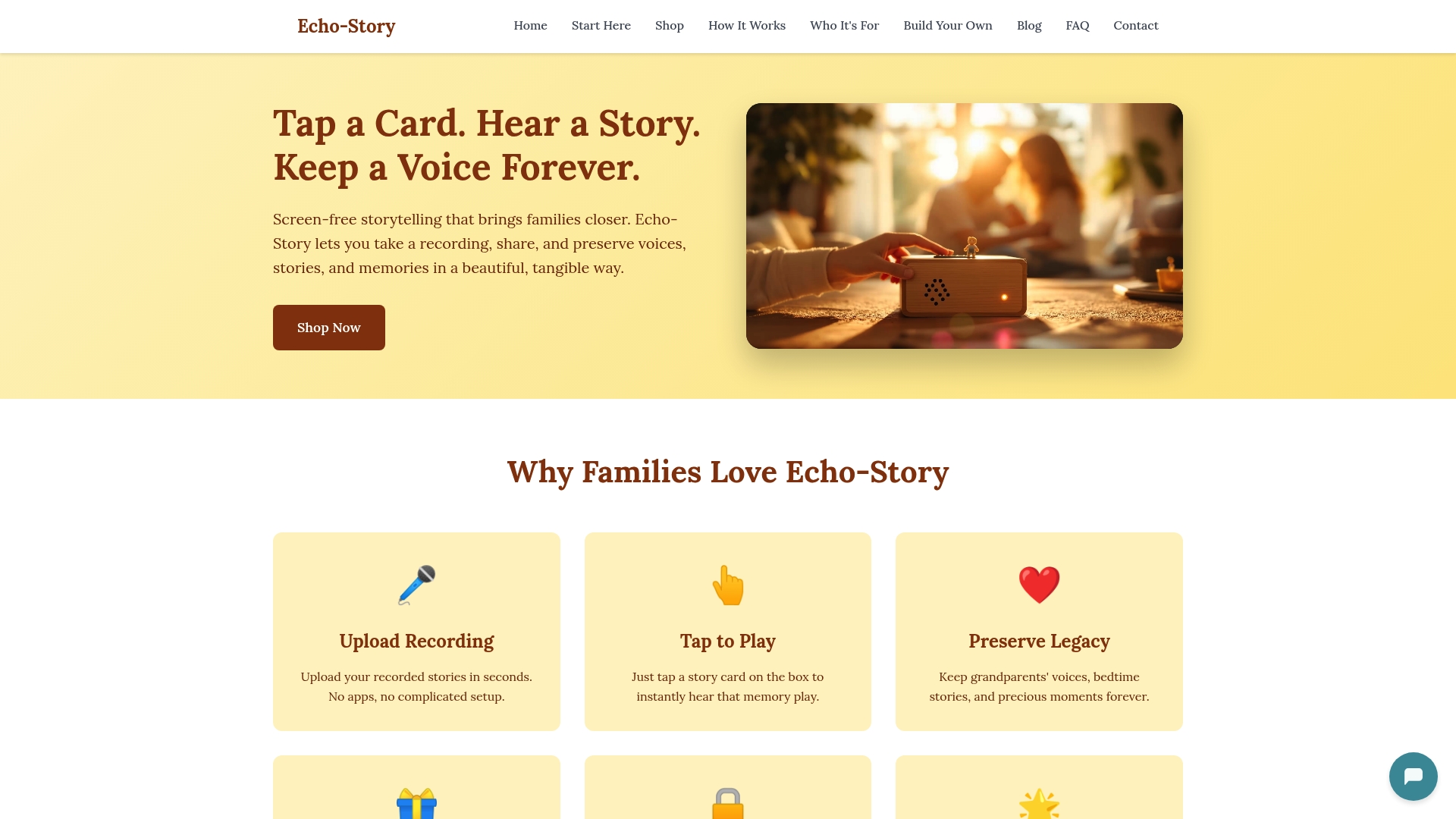
Echostory-box is a screen-free audio player designed for children ages 3–10. Children tap an NFC story card and the recording plays instantly: no menus, no ads, no scrolling. Load it with Grandma's bedtime stories, Grandpa's holiday memories, or a parent's encouragement message, and it becomes part of your child's daily routine. The device supports family voice recordings alongside original stories, personalized adventures, and faith-based content. Ready-made and DIY build options make it accessible for every family.
See how it works and give your family's voices a place to live.
Useful sources and further reading
- Baylor University Institute for Oral History: Seven Tips for Recording Family Oral History — practitioner guidance on consent, open questions, and session pacing
- KQED: How to Interview Your Family Members Like an Oral Historian — expert tips on deep listening, sensitive topics, and starting the conversation
- PMC: Neuroscience of voice and emotional memory — research on how familiar voices activate relational memory circuits
- PMC: Benefits and challenges of biographical audiobooks — evidence on guided legacy recording and emotional impact for narrators
- Family History Foundation: How to Record an Oral History Interview — consent language, session planning, and preservation checklists
- My Life Ledger: How to Interview Your Parents — session length, prompt strategies, and reducing performance anxiety
- BBC: Authentic oral history and the value of imperfection — why unpolished recordings are often the most treasured
- LifeEcho: Why your grandchildren need to hear your voice — intergenerational value of audio preservation
- Allison G's Music for Tots: How music classes strengthen parent-child bonds — emotional impact of familiar voices and sound in early childhood
Before sharing recordings widely, review oral-history consent and preservation checklists to confirm the narrator's wishes are honored and files are stored in a format that will remain accessible for future generations.