
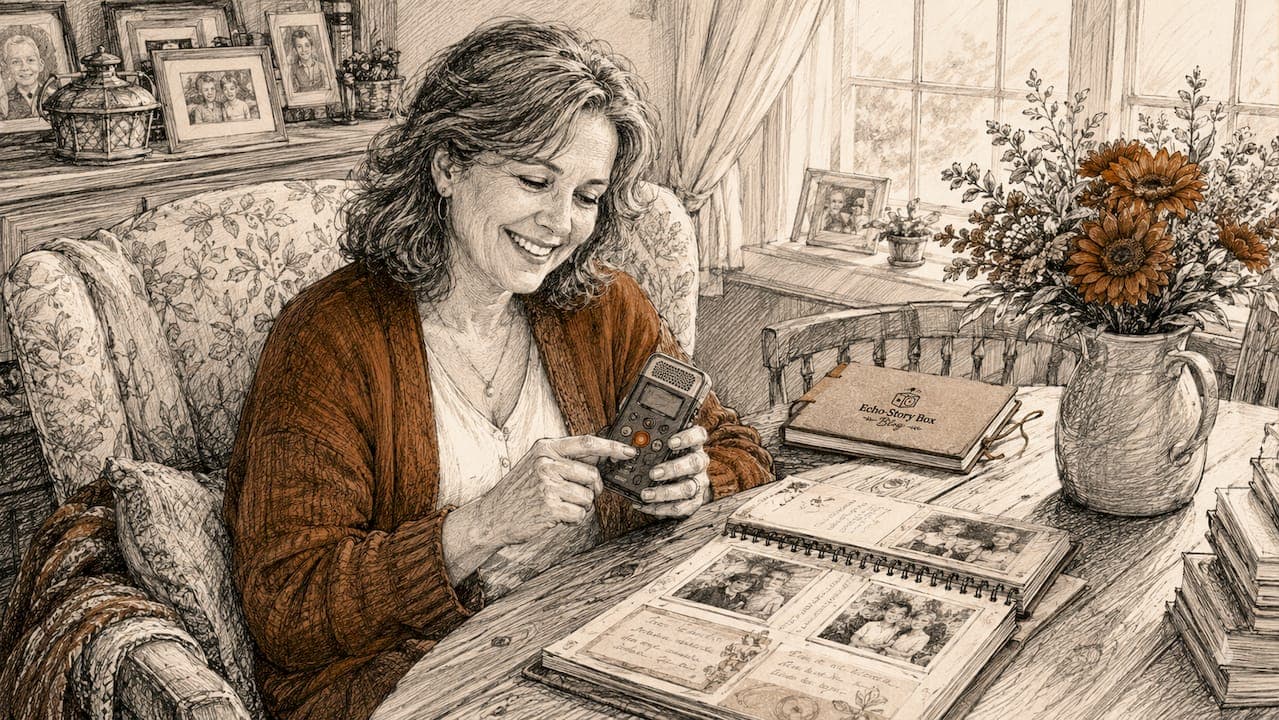
A family voice recording is defined as any captured audio that preserves a relative's spoken words, personality, and presence for future generations. Preserving family voice recordings for children is one of the most meaningful things you can do as a parent or grandparent. A voice carries what a photograph cannot: tone, laughter, accent, and emotion. Research shows that children who hear family oral histories develop stronger identity, empathy, and resilience. The 3-2-1 backup rule and lossless audio formats like WAV and FLAC are the two technical standards that separate recordings that last from ones that disappear.
1. What are the best ways to preserve family voice recordings for children?
The single most effective method for capturing family voices is recording in WAV or FLAC format. These lossless audio formats preserve every detail of a voice and serve as your master file. Use MP3 at 192 kbps or higher when you need a smaller file for sharing or playback on everyday devices.
Microphone placement matters more than most families realize. Keeping the microphone within 18 inches of the speaker's mouth produces clear, warm audio. Beyond that distance, voices become thin and room noise takes over.
The setting shapes the story as much as the words do. A relaxed kitchen conversation captures more personality than a formal sit-down interview. Children who participate as interviewers naturally draw out stories that adults might overlook, because they ask about daily life, pets, and childhood games rather than major historical events.
- Record in WAV or FLAC for master files; use MP3 (192 kbps+) for sharing copies
- Position the microphone within 18 inches of the speaker
- Choose relaxed, familiar settings over formal interview setups
- Let children ask the questions whenever possible
- Keep background noise low, but do not eliminate all ambient sound. A ticking clock or a crackling fire adds warmth and authenticity
Pro Tip: Record the oldest living family members first. Their firsthand memories are irreplaceable and time-sensitive, and no technology can recreate what is lost.
2. How to digitize and organize existing family audio recordings
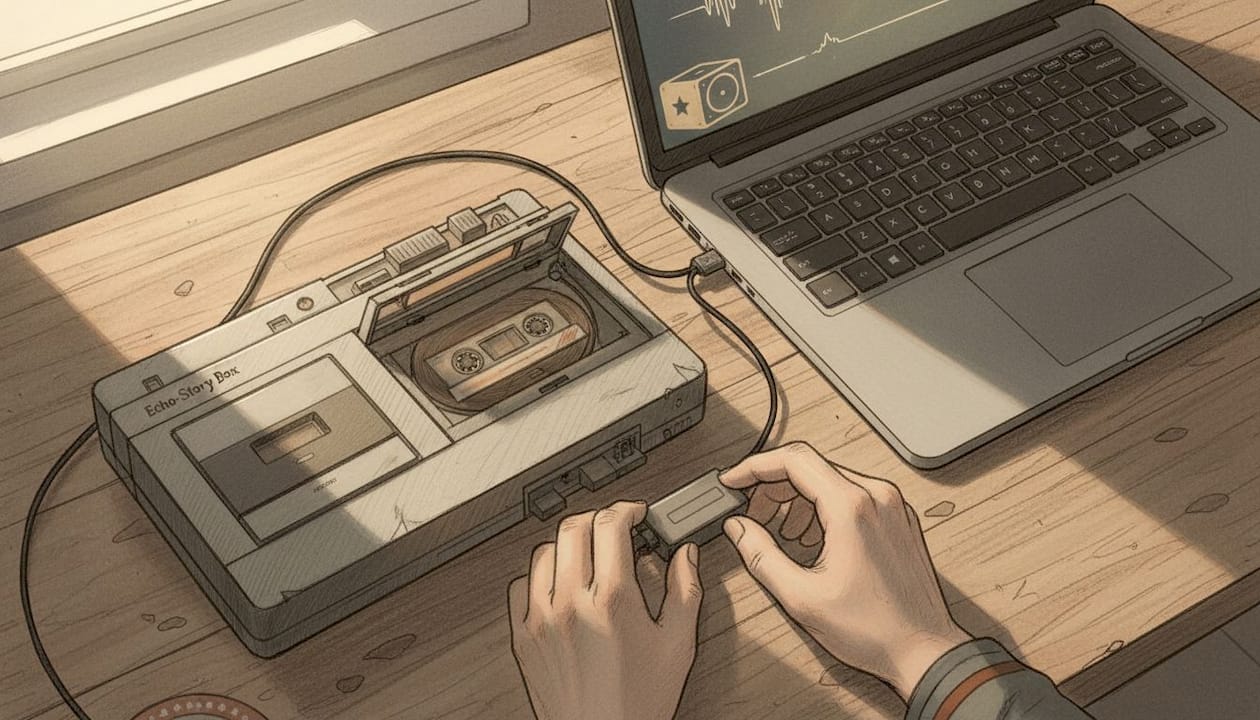
Digitizing old cassette tapes or reel-to-reel recordings is the first step toward protecting audio that currently exists only on fragile physical media. DIY USB converters cost between $25 and $50, while professional digitization services charge $20 to $50 per tape. Professional services are worth the cost for tapes that are brittle, moldy, or more than 30 years old.
The core principle of digitization is to capture once at the highest quality possible. Create a preservation master in WAV or FLAC and never edit that file. Produce separate listening copies in MP3 for everyday use. This approach protects the original while keeping the archive practical.
Over-editing historical audio is a common mistake. Aggressive noise reduction on master files can strip away the authentic texture of a voice and damage the audio in ways that cannot be undone. A little background hiss is part of the historical record.
- Name files descriptively: "GrandmaRose_ChristmasStory_December1987.wav"
- Include metadata tags: speaker name, date, location, and topic
- Organize folders by person, then by year or event
- Keep a simple text index so children can search by name or story theme
- Store the master file separately from listening copies
Pro Tip: Label recordings with the speaker's relationship to the child, not just their name. "Great-Grandpa Joe, Dad's grandfather" means far more to a 7-year-old than "Joseph Callahan, 1989."
3. What are the most effective storage and backup strategies?
The 3-2-1 backup rule is the gold standard for protecting irreplaceable audio. Keep three copies of every recording on two different types of media, with one copy stored offsite or in the cloud. This single rule prevents the most common cause of family recording loss: a single device failure.
Phones are the most dangerous place to store family recordings long term. Phones are replaced every two to three years, and voice memo apps do not always sync reliably to cloud backups. A recording made on a phone and never transferred elsewhere is one dropped device away from being gone forever.
| Storage option | Strengths | Weaknesses |
|---|---|---|
| External hard drive | Large capacity, fast access | Can fail; needs offsite copy |
| Cloud storage (Google Drive, iCloud, Dropbox) | Accessible anywhere, automatic backup | Requires subscription; internet dependent |
| USB flash drive | Portable, inexpensive | Easy to lose; limited lifespan |
| Offsite physical copy | Protects against local disaster | Requires manual updates |
Schedule a backup check every six months. Verify that files open correctly and that cloud folders are syncing. Checksum verification, which compares a file's digital fingerprint before and after transfer, confirms that no data was corrupted during copying.
Pro Tip: Use at least two cloud services rather than one. If Google Drive changes its pricing or policies, your recordings in iCloud remain safe.
4. How to create storytelling sessions children will cherish
The most memorable family recordings come from storytelling sessions, not interviews. A grandparent recounting a childhood holiday, a parent describing the day a child was born, or a great-aunt sharing a recipe with commentary creates audio that children return to for decades. These family oral history recordings build the kind of intergenerational bond that shapes a child's sense of self.
Keep sessions short. Thirty to sixty minutes is enough for one sitting. Plan to return for multiple sessions rather than trying to capture everything at once. Fatigue produces flat, rushed storytelling. Rest produces vivid, detailed memories.
Children benefit most when they are active participants, not passive observers. Let them choose which story they want to hear. Let them ask follow-up questions. Research from the 1937 Irish Schools Collection showed that children elicited richer family stories than adult interviewers because their questions were natural and unscripted.
- Focus each session on one theme: a holiday, a job, a childhood home, or a family tradition
- Use photographs or objects as memory prompts to spark specific stories
- Record holiday traditions as they happen, not just in retrospect
- Pair audio recordings with illustrated storybooks or printed transcripts for younger children
- Revisit recordings together as a family to reinforce the connection
Transcribing sessions adds another layer of value. Manual verification of transcripts takes roughly 30 to 45 minutes per hour of audio, because automated tools struggle with accents, family nicknames, and overlapping voices. The effort is worth it. A printed transcript becomes a physical keepsake that children can read long before they are ready to sit and listen.
5. How parents and grandparents can share and replay recordings with children
Sharing family audio recordings works best when the playback experience feels natural and calm, not technical. Screen-free audio players designed for children remove the friction of menus, passwords, and parental controls. A child who can tap a card and hear Grandma's voice immediately builds a habit of returning to those recordings. Echostory-box is built exactly for this purpose, letting children replay family stories independently without a screen in sight.
Digital sharing within a family requires some planning around privacy. The Oral History Association recommends collecting release forms before sharing recordings outside the immediate family or donating them to archives. Even within a family, it is respectful to ask before sharing a recording publicly.
Physical legacy gifts carry emotional weight that digital files cannot fully replicate. A printed transcript bound as a small book, a CD with a handwritten label, or a USB drive tucked inside a memory box gives children something to hold. Pairing a physical object with a QR code that links to the audio file combines the tactile with the digital in a way children find genuinely exciting.
- Use a dedicated screen-free audio player for daily listening
- Share digital files through a private, password-protected cloud folder
- Create printed transcripts or illustrated booklets as physical keepsakes
- Collect release forms before sharing recordings outside the immediate family
- Let children help curate their own listening collection by choosing favorite recordings
Pro Tip: Involve children in naming their favorite recordings. A child who calls a file "Grandpa's Fishing Story" will find and replay it far more often than one labeled "Interview_June2024.mp3."
Key Takeaways
Preserving family voice recordings for children requires quality capture, organized storage using the 3-2-1 backup rule, and sharing practices that make recordings easy and meaningful to revisit.
| Point | Details |
|---|---|
| Record in lossless formats | Use WAV or FLAC for master files to protect audio quality for decades. |
| Apply the 3-2-1 backup rule | Keep three copies on two media types, with one stored offsite or in the cloud. |
| Involve children actively | Children who ask questions and choose stories build stronger bonds with family heritage. |
| Digitize old tapes promptly | Professional services cost $20–$50 per tape and are worth it for fragile or aged media. |
| Make playback simple | Screen-free audio players give children independent, calm access to family recordings. |
Why I think most families wait too long to start
The families I have seen struggle most with this are not the ones who lack the technology. They are the ones who assumed there was more time. A grandparent's voice is not something you can reconstruct from memory or photographs. Once it is gone, it is gone completely.
What surprises most parents is how little children need the recording to be perfect. A slightly muffled cassette of a great-grandmother reading a bedtime story holds more power than a studio-quality recording of a stranger. Children respond to familiarity and love, not audio fidelity. The imperfect recordings I have heard families treasure most are the ones with a dog barking in the background or a child giggling off-camera.
The practical challenge is simply starting. Most families own a smartphone capable of recording in acceptable quality right now. The gap is not equipment. It is the habit of pressing record. I encourage parents and grandparents to treat the first recording as a rough draft. It does not need to be a masterpiece. It needs to exist.
The families who build the richest audio archives are the ones who record consistently and casually, not the ones who plan a single "big interview" that never happens. Record a birthday phone call. Record a recipe being explained. Record a bedtime story told from memory. Those small moments, gathered over years, become something extraordinary. You can read more about why recorded stories matter for children's long-term sense of belonging.
— Bob
A screen-free home for your family's stories
Capturing a family voice recording is only half the work. The other half is making sure children can actually find and enjoy those recordings without needing a parent to navigate a phone or laptop for them.
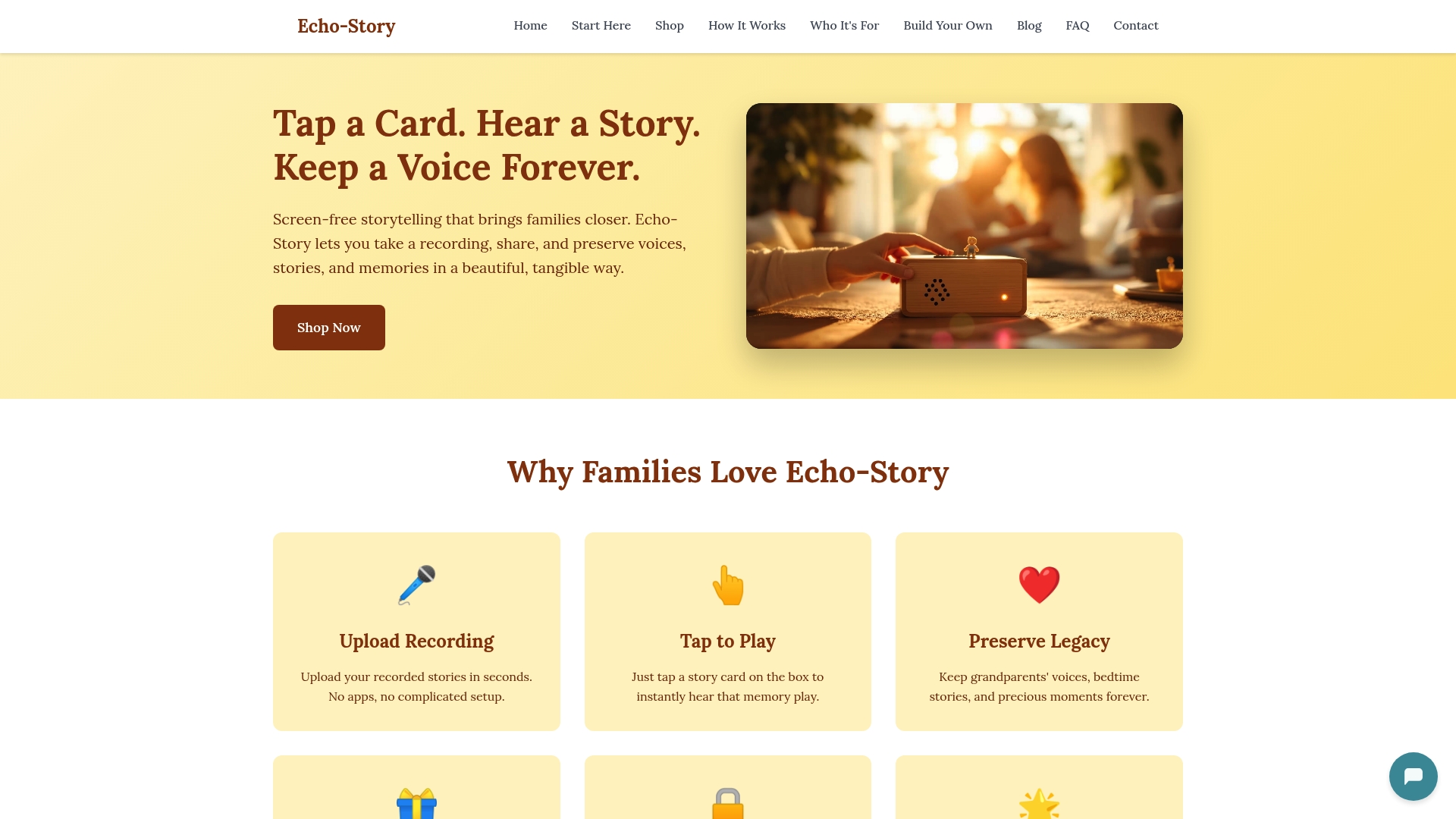
Echostory-box is a screen-free audio player designed for exactly this moment. Children tap a story card, and a grandparent's voice, a bedtime story, or a family memory begins playing immediately. No menus, no ads, no distractions. The Echostory-box storytelling device gives families a calm, simple way to keep their recorded stories alive and within reach every single day. Visit the Echostory-box website to see how it works and find the right option for your family.
FAQ
What audio format is best for preserving family recordings?
WAV and FLAC are the best formats for long-term preservation because they are lossless and capture every detail of a voice. Use MP3 at 192 kbps or higher for sharing and everyday playback.
How do I protect family recordings from being lost?
Follow the 3-2-1 backup rule: keep three copies of every recording on two types of media, with one copy stored offsite or in a cloud service like Google Drive or iCloud.
Can children participate in recording family stories?
Children make excellent interviewers and active participants in family recording sessions. Research from the 1937 Irish Schools Collection showed that children elicited richer, more personal stories than adult interviewers because their questions were natural and unguarded.
How much does it cost to digitize old cassette tapes?
DIY USB converters cost between $25 and $50, while professional digitization services charge $20 to $50 per tape. Professional services are recommended for tapes that are fragile, old, or showing signs of deterioration.
How can children listen to family recordings without a screen?
Screen-free audio players like Echostory-box let children tap a physical card to play a specific recording, making family audio accessible, calm, and independent of phones or tablets.