
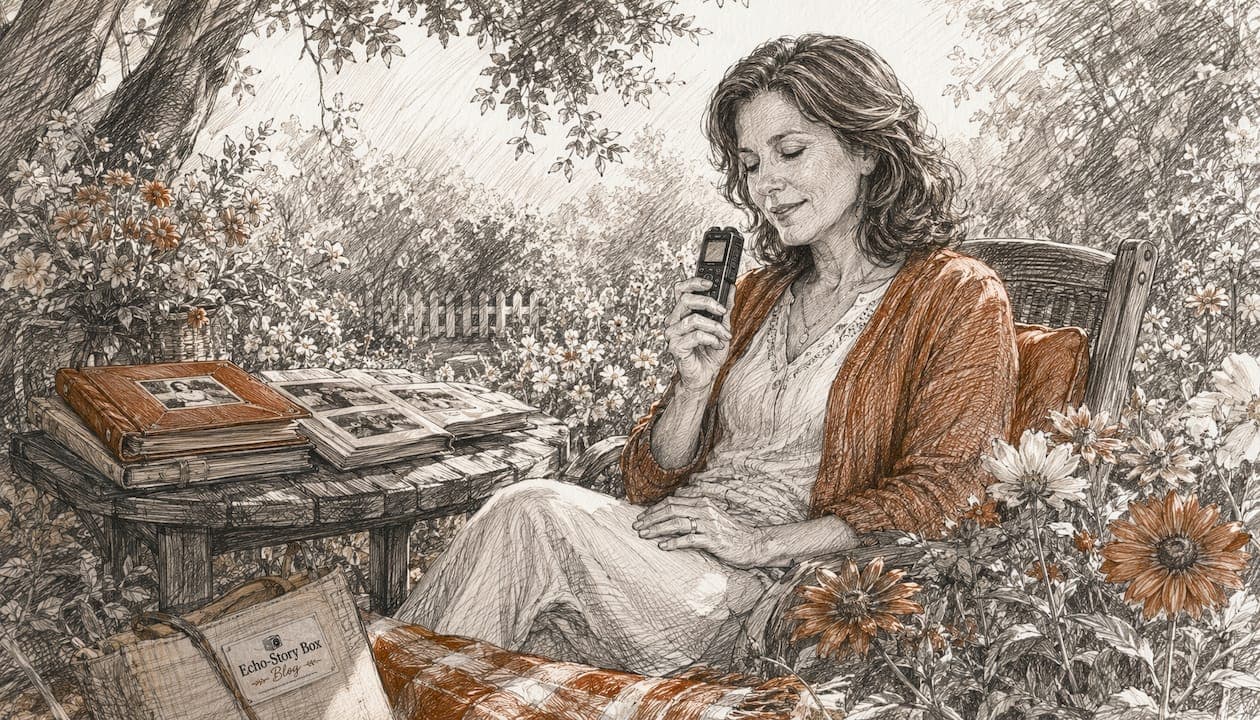
When recorded as lossless WAV or BWF files, backed up in three places, and paired with clear metadata, voice recordings can outlast written journals and carry emotional detail that written pages simply cannot match. Here is what you can do right now:
- Record a short message in WAV format on your phone or computer.
- Copy that file to at least two other locations (a USB drive and a cloud folder).
- Name it clearly:
Mom_BirthdayStory_2026-06.wav.
One honest limit: unlike a handwritten letter, audio needs working playback technology to be heard. That means you will need to migrate files every few years and leave behind simple instructions for whoever inherits them.
Table of Contents
- Why voice recordings can outlast — and sometimes fall short of — written journals
- How to record audio that is built to last
- Store and back up recordings so they survive hardware failure and time
- Make recordings discoverable and meaningful with metadata and a master index
- Ensure future generations can actually play and share the recordings
- A 10-minute to 1-hour action plan you can start today
- Key Takeaways
- Why voice preservation matters more than most families realize
- Echostory-box makes family voice preservation simpler and more lasting
- Useful sources and further reading
Why voice recordings can outlast — and sometimes fall short of — written journals
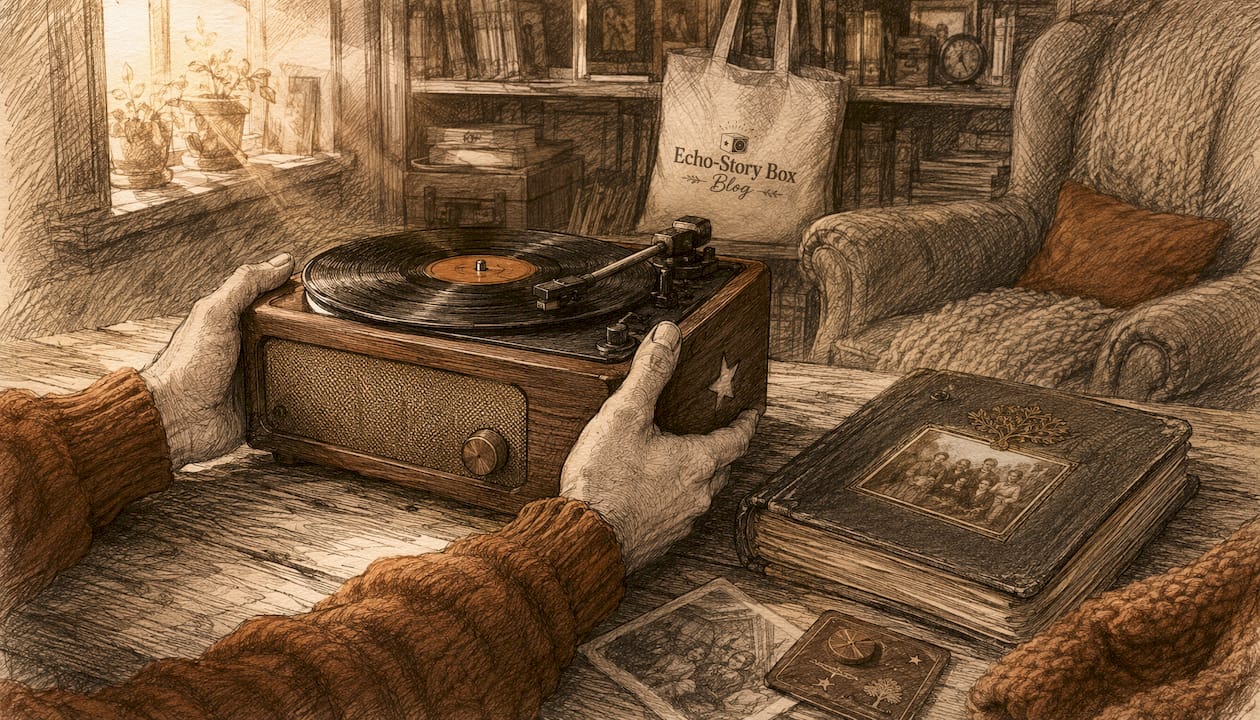
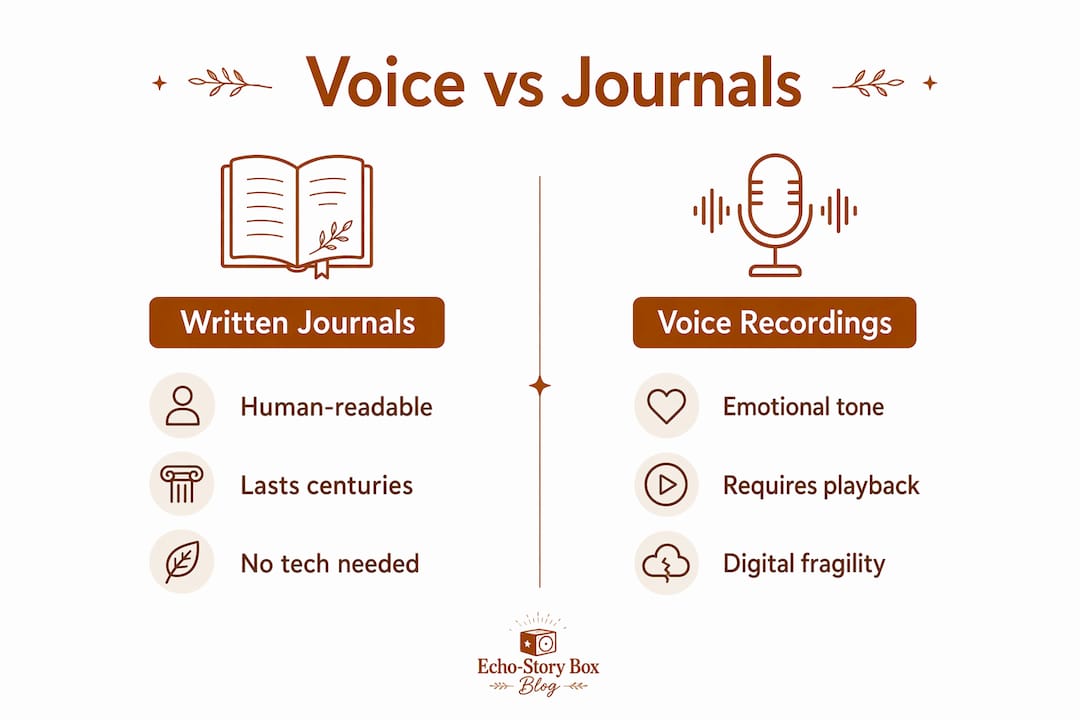
A handwritten letter is human-readable. Anyone who finds it in a drawer a century from now can read it without a single piece of technology. A voice recording is different. It requires both a working file and a device capable of playing it, which makes it what archivists call machine-dependent. Any compromise to the file or the playback chain can cause permanent, audible loss.
That said, voice carries something written words cannot. Neuroscience and family-experience research consistently show that voice activates relational circuits differently than text or photographs. A grandmother's laugh, the catch in a father's voice, the rhythm of a bedtime story — those details live in audio and nowhere else.
| Dimension | Written journals | Voice recordings |
|---|---|---|
| Human-readable without technology | Yes | No |
| Carries tone, emotion, accent | No | Yes |
| Redundancy (damage tolerance) | High | Low |
| Risk of obsolescence | Low | Medium–High |
| Emotional immediacy | Moderate | Very high |
| Long-term cost to maintain | Low | Moderate (migration needed) |
The CLIR care and handling notes for recorded sound make the point plainly: analogue and digital carriers both have limited life expectancies, and transfer to a stable digital format is the preferred preservation method. "Permanent" digital storage is a myth. What keeps audio alive is active stewardship.
How to record audio that is built to last
The Library of Congress recommends WAV and Broadcast Wave Format (BWF) as the preferred open, non-proprietary master formats. MP3 is fine for sharing but should never be your only copy.
| Format | Settings | When to use |
|---|---|---|
| WAV / BWF | — | Master archive copy |
| WAV / BWF | — | Acceptable minimum if storage is limited |
| MP3 | Standard | Sharing and everyday listening only |
For most families, a quiet room and a decent microphone make the biggest difference. A USB condenser microphone (such as the Blue Yeti or Audio-Technica AT2020) produces noticeably cleaner audio than a built-in laptop mic. A smartphone held close to the speaker in a carpeted room works well too. Echostory-box supports family voice capture as part of its legacy audio features, which is a gentle on-ramp for families who want a dedicated, screen-free playback experience.
- Close windows and turn off fans before recording.
- Speak at a steady pace, about 12–18 inches from the microphone.
- Record a short test clip first and listen back before the full session.
Pro Tip: Create a simple naming convention before you record your first file and stick to it: Speaker_Topic_YYYY-MM.wav. Consistent names take seconds to write and save hours of confusion later.
Store and back up recordings so they survive hardware failure and time
The 3-2-1 backup rule is the standard recommendation: make multiple copies on multiple media types including at least one off-site. For families, this often means a primary copy on your main computer or home NAS (network-attached storage), a second copy on an external hard drive kept at home, and a third copy in cloud storage (Google Drive, iCloud, Backblaze, or similar) as your off-site backup.
Phones and USB drives alone are not enough. Phones get lost, broken, or wiped during software updates. A cloud account shared with a trusted family member gives you a second set of eyes on the archive.
IASA guidance recommends automated monitoring and migration for professional archives. Families can mirror that principle at a smaller scale: set a calendar reminder every few years to copy files to fresh drives and check that cloud links still work.
Pro Tip: Run a free checksum tool (such as md5sum on Mac/Linux or HashCheck on Windows) on your master files once a year. A changed checksum tells you a file has been corrupted before you discover it the hard way.
Make recordings discoverable and meaningful with metadata and a master index
Metadata is what turns a folder of audio files into a family archive. At minimum, embed or record these fields for each file:
- Speaker name and relationship to the family
- Date recorded (YYYY-MM-DD)
- Location (city, home, event)
- Topic or story title
- Permissions (who may share this recording)
Organizing archives by person rather than by date improves searchability for family inheritance. A folder structure like Family Archive / Grandma Ruth / Childhood Stories / 1940s / is far easier to navigate than a flat list of files sorted by year.
A collection of recordings becomes a true archive only when it is structured. A one-page master index that explains the folder layout, naming rules, backup locations, and the person responsible for the collection is what prevents files from becoming orphaned decades from now. Archivists call this a "finding aid." For families, it can be a single Word document or a printed sheet tucked into the same folder as the files.
Short transcripts or summaries add lasting value too. Even a two-sentence note ("Grandma Ruth describes her first day of school in rural Ohio, circa 1948") makes a file searchable and meaningful to a grandchild who may not recognize the voice.
Pro Tip: Keep the master index inside the archive folder itself, not just on your desktop. That way, anyone who receives the folder inherits the instructions automatically.
Ensure future generations can actually play and share the recordings
Digital preservation is an ongoing process, not a one-time task. Hardware and software change. A file format that plays easily today may require a workaround in twenty years. The primary long-term risk for family audio is not physical decay — it is obsolescence.
| Inheritance task | Why it matters |
|---|---|
| Store account credentials safely | Cloud access dies with a password no one else knows |
| Include a "how to play" guide | Future family members may not recognize WAV files |
| Assign a named steward | Someone needs to own the migration schedule |
| Document ownership | Clarifies who may share or publish recordings |
Assign one family member as the archive steward. That person's job is simple: check the files every few years, migrate to a new format or platform if needed, and update the master index. On the legal side, document who owns the recordings and note any wishes about sharing. This does not require a lawyer — a short written note in the master index is enough for most families.
For practical guidance on making files children can actually use, family-friendly playback tips can help you shape the archive so kids can find and enjoy recordings on their own.
A 10-minute to 1-hour action plan you can start today
In 10 minutes:
- Open your phone's voice memo app or a free recorder like Audacity.
- Record one 2–5 minute message: a memory, a bedtime story, or a simple "I love you."
- Save it as WAV if your app allows, or export to WAV afterward.
- Name it using the convention:
YourName_Topic_2026-06.wav. - Email a copy to one other family member right now.
In 30–60 minutes:
- Copy the file to an external drive and a cloud folder.
- Open a plain text document and start your master index: file name, speaker, date, topic.
- Add a second entry for any existing recordings you already have.
- Set a recurring calendar reminder for 12 months from now to check file integrity.
- Write the name of your archive steward at the top of the master index.
Schedule a full archive review every 3–7 years. That is when you migrate files to fresh drives, confirm cloud backups are intact, and update the master index with any new recordings.
Key Takeaways
Voice recordings outlast written journals when you use lossless formats, follow the 3-2-1 backup rule, add minimal metadata, and assign someone to maintain the archive over time.
| Point | Details |
|---|---|
| Use lossless formats | Record masters as WAV or BWF; keep MP3 for sharing only. |
| Follow the 3-2-1 rule | Keep 3 copies on 2 media types, with 1 copy stored off-site in the cloud. |
| Add metadata and a master index | Embed speaker, date, and topic; store a one-page index inside the archive folder. |
| Assign a steward and plan migration | Name one family member to check and migrate files every 3–7 years. |
| Echostory-box for screen-free playback | Echostory-box supports legacy audio and family voice recordings in a simple, screen-free format children can use independently. |
Why voice preservation matters more than most families realize
The conventional wisdom is that digital files are safe because they are easy to copy. That is only half true. A file copied carelessly, stored in a single place, or saved in a proprietary format can disappear just as completely as a journal lost in a flood. The difference is that the loss is invisible until the day you try to play the file and cannot.
What most articles on this topic underestimate is the human side of the equation. The best metadata schema and the most redundant backup system mean nothing if no one in the family knows the archive exists or how to open it. The steward role is not a technical job. It is a relational one. Someone has to care enough to keep the recordings alive, and that person needs to know they have been chosen.
Voice recordings carry something irreplaceable: the actual sound of a person who loved you. That is worth a little extra effort to protect.
Echostory-box makes family voice preservation simpler and more lasting
Preserving family voices takes real intention, and the technical steps above give you a solid foundation. Echostory-box takes the next step further: it gives children a screen-free, tap-to-play way to hear grandparent messages, bedtime stories, and family recordings without needing a phone, a password, or a parent nearby.
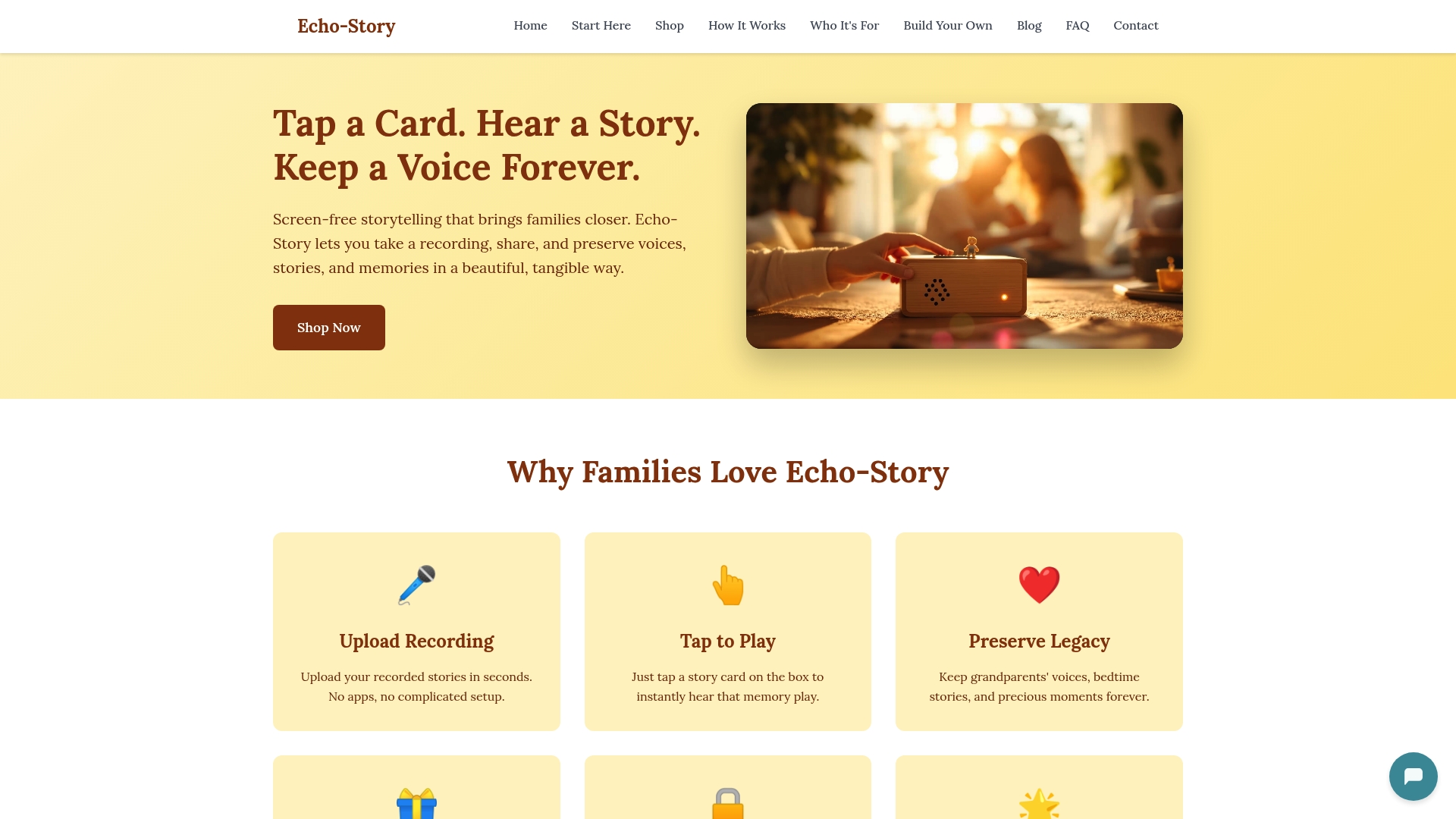
Parents and grandparents can record legacy audio directly into the Echostory-box ecosystem. Children tap an NFC story card and the recording plays instantly. No menus, no ads, no distractions. The recordings become something children return to again and again, not just a file sitting in a cloud folder.
Echostory-box is a natural fit for families who want the warmth of intergenerational storytelling paired with a playback experience children can actually use. You will still want to keep your WAV masters and follow the 3-2-1 rule for long-term archiving. Echostory-box handles the listening experience; the steps above handle the preservation.
Visit Echo-Story Box to see how it works and find the right setup for your family.
Useful sources and further reading
- Library of Congress audio preservation guidance — Official recommendations on file formats, sampling rates, and long-term digital audio management. Start here for format decisions.
- IASA TC-03: The Safeguarding of the Audiovisual Heritage — The foundational archival standard covering machine-dependence, redundancy, and migration principles.
- IASA Guidelines on the Production and Preservation of Digital Audio Objects — Practical technical guidance on digitization, BWF metadata, and storage systems.
- CLIR: The Care and Handling of Recorded Sound Materials — Covers analogue carrier life expectancy and the case for timely digitization.
- LifeEcho: How to Store Voice Recordings Safely — Family-friendly explanation of the 3-2-1 rule and cloud backup options.
- LifeEcho: How to Create an Oral History Archive for Family — Practical guidance on master indexes, folder structures, and steward assignment.
| Tool | Purpose | When to use |
|---|---|---|
| Audacity (free) | Record and export WAV files | Recording on a desktop or laptop |
| md5sum / HashCheck | Generate and verify file checksums | Annual integrity checks |
| Backblaze / iCloud / Google Drive | Cloud off-site backup | Ongoing, as part of 3-2-1 rule |
| BWF MetaEdit (free, Library of Congress) | Embed BWF metadata in WAV files | After recording, before archiving |