
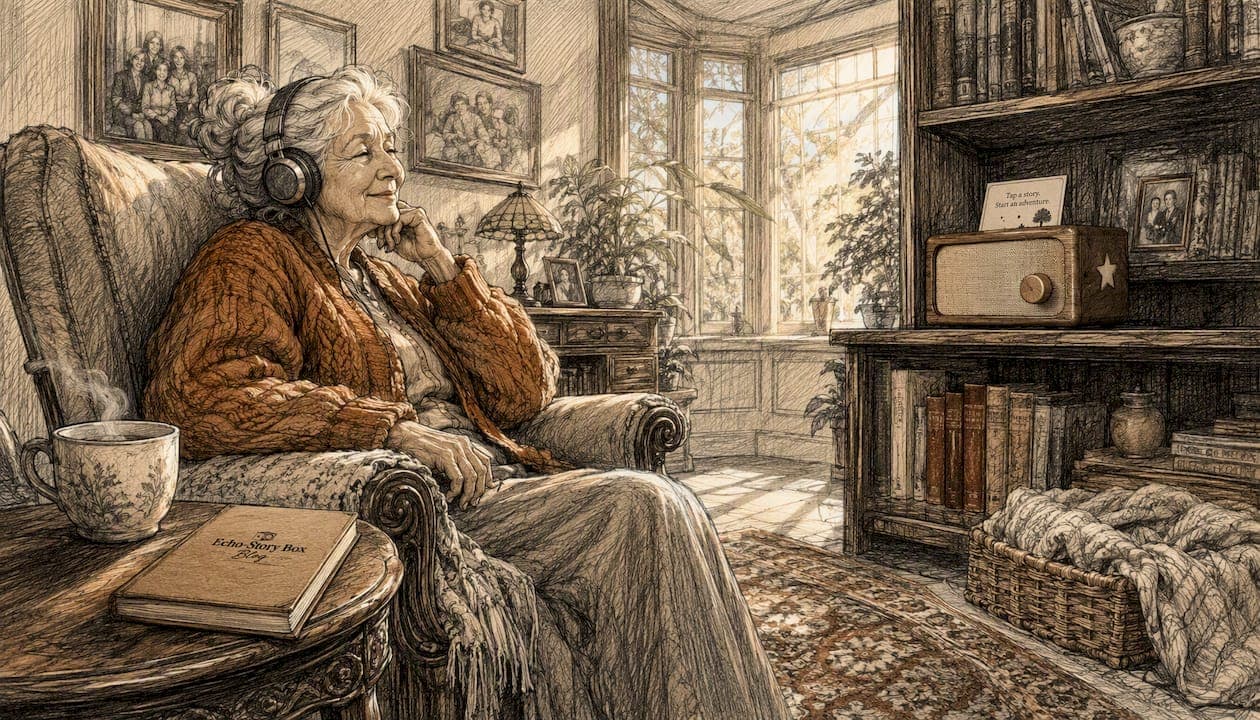
A passive engagement activity for seniors is a listening-based, screen-free experience — audiobooks, narrated family stories, or recorded messages from loved ones — designed to offer calm, companionship, and gentle mental engagement without requiring a response or physical effort. It asks nothing of the older adult except to listen. And that simplicity is exactly what makes it so powerful.
Quick examples of what this looks like in practice:
- Audiobooks read aloud by a narrator, covering fiction, memoir, or familiar classics
- Narrated family stories or produced oral histories, often 15–30 minutes long
- Recorded messages from grandchildren, children, or close friends
- Old-time radio programs or curated ambient audio (nature sounds, hymns, gentle music)
- Echostory-box, a screen-free, tap-to-play device that plays family voice recordings and stories through simple NFC cards
The rest of this guide covers why audio works so well for older adults, which format to choose and when; how to set up a safe listening space; how to record meaningful family messages without stress; and a simple 7-day plan to get started.
Table of Contents
- Why does screen-free audio help older adults so much?
- What are the best audio formats for seniors, and when should you use each?
- How do you set up a calm, screen-free listening session?
- How do you record meaningful family messages without it feeling awkward?
- How do you handle hearing loss and make audio accessible?
- A 7-day starter plan for passive audio with an older adult
- Key Takeaways
- Why preserving family voice matters more than any device
- How Echostory-box makes screen-free audio simple for families
Why does screen-free audio help older adults so much?
Audio listening offers something television rarely does: it requires the mind to stay active. Following a narrator means building mental images, tracking a plot, and holding details in working memory. Research confirms that narration demands this kind of active mental participation in a way that passive TV watching simply does not.
Beyond cognition, audio fills silence with a human voice, which matters enormously for older adults who live alone or spend long stretches of the day without conversation. A recorded message from a grandchild does something a TV program cannot: it carries a familiar, trusted voice that affirms the listener's identity and relationships.
Produced aural self-stories — oral histories edited into polished listening pieces — have been shown to enhance meaning, identity affirmation, and epistemic trust in older adults. Participants in one study described listening to their own produced stories as deeply meaningful, reporting reflection and a stronger sense of self. Pairing audio with sensory cues like music can also help older adults with memory difficulties retrieve and rehearse personal memories, strengthening self-continuity over time.
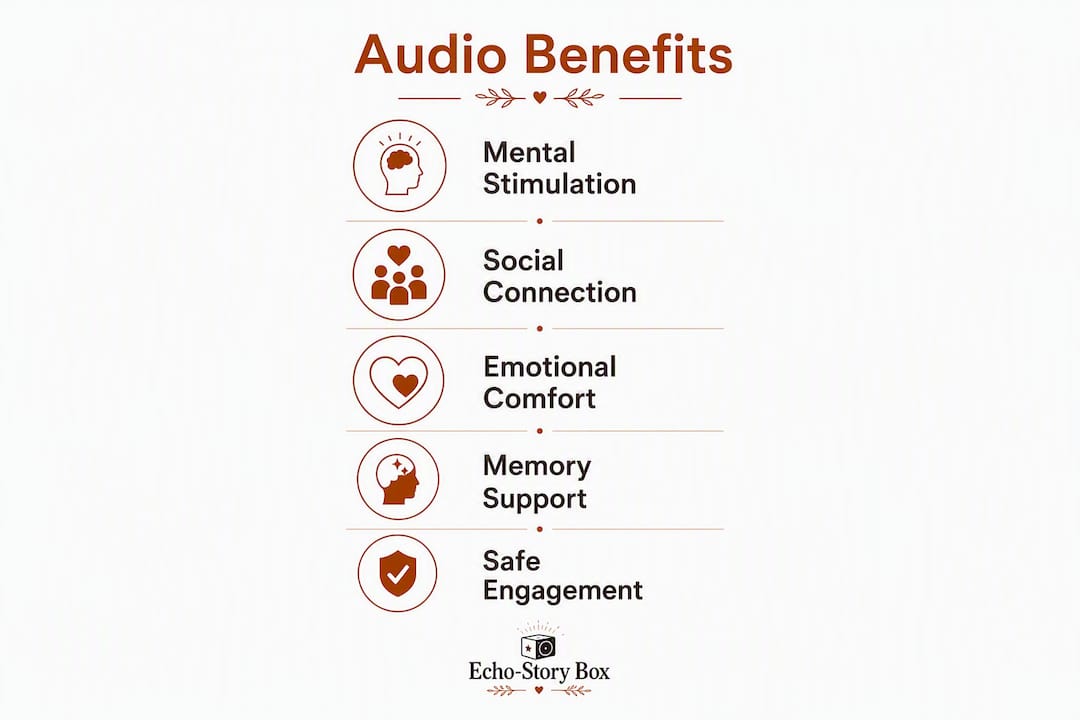
| Benefit | What the evidence shows | Suggested session length |
|---|---|---|
| Cognitive engagement | Active mental participation (imagery, plot tracking) | 15–30 minutes |
| Identity affirmation | Aural self-stories build meaning and epistemic trust | 15–30 minutes |
| Companionship | Familiar voice fills silence; reduces isolation | 10–20 minutes |
| Memory support | Sensory-rich cues (music + voice) aid recall in dementia | 10–20 minutes |
What are the best audio formats for seniors, and when should you use each?
Not every format fits every moment. Here is a practical menu of screen-free audio options, with honest notes on who each suits best.
-
Full audiobooks work well for older adults who are alert, curious, and comfortable following longer narratives. Fiction, memoir, and nature writing tend to hold attention best. A library card gives free access through apps like Libby, or CDs remain a reliable low-tech option.
-
Short narrated stories (under 20 minutes) suit seniors who tire quickly or have shorter attention spans. Old favorites — a familiar fairy tale, a beloved poem read aloud — carry comfort precisely because they are already known.
-
Produced aural self-stories are oral histories recorded by family members and edited into a listening piece, typically 15–30 minutes long with background music to guide the narrative. These are especially meaningful for older adults who want to feel seen and remembered.
-
Recorded family messages are the simplest and often the most comforting format. A grandchild reading a bedtime story, a daughter sharing a memory, a son saying goodnight — these recordings carry emotional weight that no commercial audiobook can replicate. Echostory-box is built specifically for this: family voices stored on NFC cards, played back with a single tap.
-
Old-time radio programs (available through public archives and streaming services) offer nostalgic comfort, especially for adults in their 70s and 80s who grew up listening to radio dramas.
-
Ambient and guided-relaxation audio (birdsong, rain, gentle hymns) works best before sleep or during rest periods when stimulation should be minimal.
For subscription vs. one-off purchases: audiobook subscriptions offer variety; a one-time download or CD purchase suits seniors who prefer the same familiar recordings on repeat, which is more common than families expect.
How do you set up a calm, screen-free listening session?
Simplicity, safe volume, comfortable placement, and a predictable routine are the four things that make a listening session work. Get those right and the content almost takes care of itself.
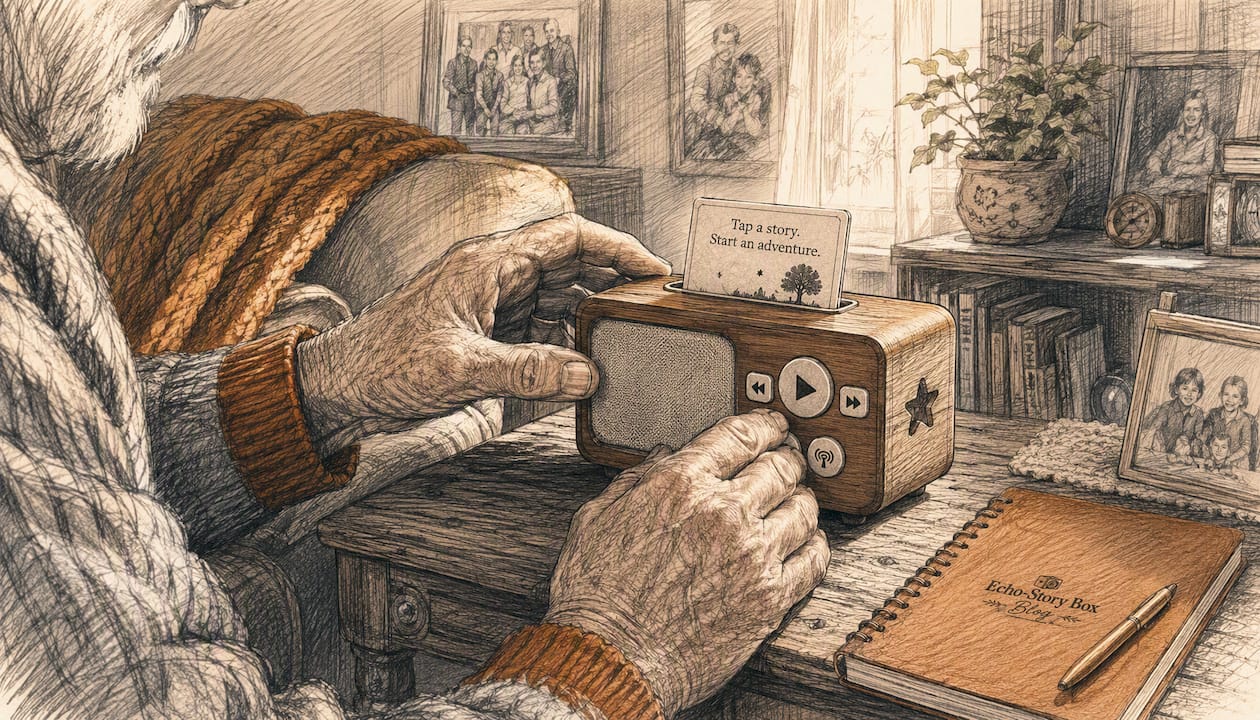
Choosing a device depends on three things: hearing ability, dexterity, and budget. A simple MP3 player with large buttons suits someone with limited dexterity. A lightweight Bluetooth speaker paired with a phone works well when a family member controls playback remotely. Echostory-box uses NFC story cards, so the older adult simply taps a card to start a recording — no menus, no passwords, no scrolling.
Volume and safety matter more than most families realize. Keep playback below 85 dB to protect remaining hearing. If the senior wears hearing aids, test the speaker placement at different distances before settling on a spot. Avoid corded setups near walkways — a cord across the floor is a trip hazard. Battery-powered or rechargeable speakers eliminate that risk entirely.
Timing shapes how well audio lands. Mid-morning, after breakfast and medication, tends to be a calm, alert window for most older adults. Early evening, before the fatigue of late afternoon sets in, is a second good option. Avoid sessions right after a meal when drowsiness peaks.
To start a session: place the speaker at ear level about two to three feet away, press play, and sit quietly nearby for the first few minutes. Your calm presence signals that this is a safe, relaxed activity.
Pro Tip: Before committing to a full session, play a single two-minute clip at your chosen volume and watch the senior's face and body language. Relaxed shoulders and a soft expression mean the volume and content are right. Tension or leaning forward means adjust before continuing.
How do you record meaningful family messages without it feeling awkward?
Short, repeated, low-pressure conversations produce the best recordings. Sessions under 30 minutes are easier to archive, easier to transcribe, and far more comfortable for the person being recorded than a single long sit-down session.
The single most important technique: ask one specific, sensory-anchored question and then wait. After the first sentence, stay silent for at least 10 seconds. The deeper story almost always comes after that pause.
Step-by-step recording process:
- Prepare. Charge your phone fully. Find a quiet room with the door closed. Place the phone on a flat surface 30–50 cm from the speaker and run a 30-second test recording to check audio quality.
- Ask one sideways question. Do it while doing something together — washing dishes, looking at old photos, folding laundry. Avoid formal interview framing; it creates performance anxiety.
- Record and wait. Start the voice memos app, ask your question, and stay quiet. Ten seconds of silence after the first answer is normal and productive.
- Save and label. Name each file with the person's name, date, and topic (e.g., GrandmaRuth_March2026_FirstJob).
- Back up immediately. Upload to cloud storage (Google Drive, iCloud, or Dropbox) and keep a second copy on a USB drive.
- Optional transcription. A written transcript makes the recording searchable and easier to share with family members who are hard of hearing.
Sideways prompts that work well:
- "What did your kitchen smell like when you were growing up?"
- "Tell me about the first car you ever rode in."
- "What song was playing at your wedding?"
- "What did Saturday mornings feel like when you were ten?"
Privacy and consent: Always ask permission before recording. Explain simply who will hear the recording and how it will be stored. For older adults with cognitive decline, short sessions with sensory cues — a familiar photo or a piece of music from their era — help surface memories more naturally.
Recording family oral history creates something that outlasts any of us. These files become the recordings a grandchild listens to decades from now.
Pro Tip: Never say "I want to interview you." Instead, say "I was just thinking about something you mentioned once — can you tell me more about it?" That single reframe removes the pressure entirely.
How do you handle hearing loss and make audio accessible?
Most playback problems are solvable with small adjustments. Start there before assuming the activity is not working.
Low volume despite maximum settings usually means the speaker is too far away or the audio file has low gain. Move the speaker closer — two feet is often the right distance — or use a phone's equalizer to boost mid-range frequencies, where speech clarity lives.
Distortion at high volume signals that a small speaker is being pushed past its limit. A slightly larger speaker at moderate volume sounds clearer than a tiny speaker at full blast.
Background noise competes with narration more than most people expect. Close windows, turn off fans, and mute any other devices in the room before starting a session. Even a refrigerator hum can make speech harder to follow for someone with age-related hearing loss.
Hearing-aid compatibility varies by device. Many modern hearing aids support Bluetooth streaming directly from a phone or speaker, which delivers audio cleanly without room acoustics interfering. For older analog aids, a simple single-button MP3 player held close to the ear often works better than a room speaker.
Headphones can help in noisy environments, but use them carefully with hearing aids — feedback and discomfort are common. Over-ear headphones at moderate volume are generally safer than earbuds.
Pro Tip: Label the play button on any device with a small colored sticker and a handwritten note ("Press here for Grandma's story"). For Echostory-box users, the NFC tap mechanic removes button confusion entirely — the card itself is the instruction.
A 7-day starter plan for passive audio with an older adult
A gentle, predictable week builds habit and comfort far better than a single long session.
- Day 1. Play a 5–10 minute recording of a familiar family voice. Observe mood and body language. Note whether the senior leans in, smiles, or relaxes.
- Day 2. Repeat the same recording. Familiarity is comforting, not boring. Watch for recognition and any verbal response.
- Day 3. Introduce a short narrated story (10–15 minutes). Choose a genre the senior has always enjoyed — a western, a mystery, a nature piece.
- Day 4. Play a recorded family message from a grandchild or close relative. Keep it under 10 minutes. Sit nearby and be available to talk afterward.
- Day 5. Try a 15-minute audiobook excerpt or an old-time radio program. Note attention span — if engagement drops after 10 minutes, that is the natural session ceiling for now.
- Day 6. Return to the family recording from Day 4. Many seniors ask to hear favorites repeatedly, and that is a healthy sign.
- Day 7. Let the senior choose between two options (hold up two story cards, or describe two choices simply). Small choices build agency and comfort.
Caregiver checklist for each day: Did the senior seem calm or agitated? Did attention hold for the full session? Were there signs of overstimulation (restlessness, asking to stop)? If yes to the last question, shorten the next session by five minutes and switch to a familiar family voice recording.
For more ideas on engaging elderly parents with audio stories, the Echostory-box blog covers practical techniques in depth.
Key Takeaways
Screen-free audio activities for seniors work because listening requires active mental participation, and a familiar voice carries comfort that no screen can replicate.
| Point | Details |
|---|---|
| Clear definition | A passive engagement activity is a listening-based, screen-free audio experience that calms, comforts, or gently engages an older adult. |
| Cognitive benefit | Frequent participation in cognitively stimulating listening was associated with a 32% slower rate of cognitive decline. |
| Best recording method | Short sessions under 30 minutes with one sensory-anchored question and a 10-second silence rule produce the most natural recordings. |
| Accessibility first | Volume below 85 dB, a speaker at ear level, and a single-button or NFC tap device remove most common barriers. |
| Echostory-box | Echostory-box supports family voice recordings and tap-to-play NFC cards, making screen-free audio simple for older adults and caregivers alike. |
Why preserving family voice matters more than any device
The families I hear from most often are not looking for technology. They are looking for a way to stay close to someone they love, across distance or across the changes that aging brings. Screen-free audio is one of the most honest answers to that need, because it puts a real human voice in the room.
What surprises people is how little it takes. A phone recording of a grandchild reading a short story. A message recorded on a quiet Sunday afternoon. These files, labeled and backed up, become something a family returns to for years. The legacy value of recorded stories is not sentimental exaggeration — it is what families consistently report after the fact.
The conventional wisdom says that engagement activities for seniors need to be structured, scheduled, and staff-led. Audio listening challenges that assumption. It works precisely because it asks so little. It meets an older adult exactly where they are, at whatever hour of the day feels right, without requiring performance or participation. That quiet, unhurried quality is not a limitation. It is the whole point.
Honoring a loved one through preserved voice is also one of the most meaningful things a family can do together, and resources like Memory Keep's guidance on honoring a loved one offer thoughtful ways to extend that work beyond audio alone.
How Echostory-box makes screen-free audio simple for families
Echostory-box was built for exactly this situation: a family that wants to share recorded stories and messages with an older relative, without asking that relative to navigate a phone, a streaming app, or a remote control.
The device plays audio through NFC story cards. Tap a card, hear a story. That is the entire interaction. Family members can load recorded messages, curated audiobooks, old-time radio programs, or personalized stories onto cards and mail them to a grandparent across the country. There are no subscriptions required to get started, DIY build options for families who enjoy making things, and ready-made kits for those who want something out of the box.
Visit the Echostory-box shop to see current options, or read through how it works to understand the full setup before you buy. If you have questions about recording a family message for an older relative, the support team is glad to help you get it right.