
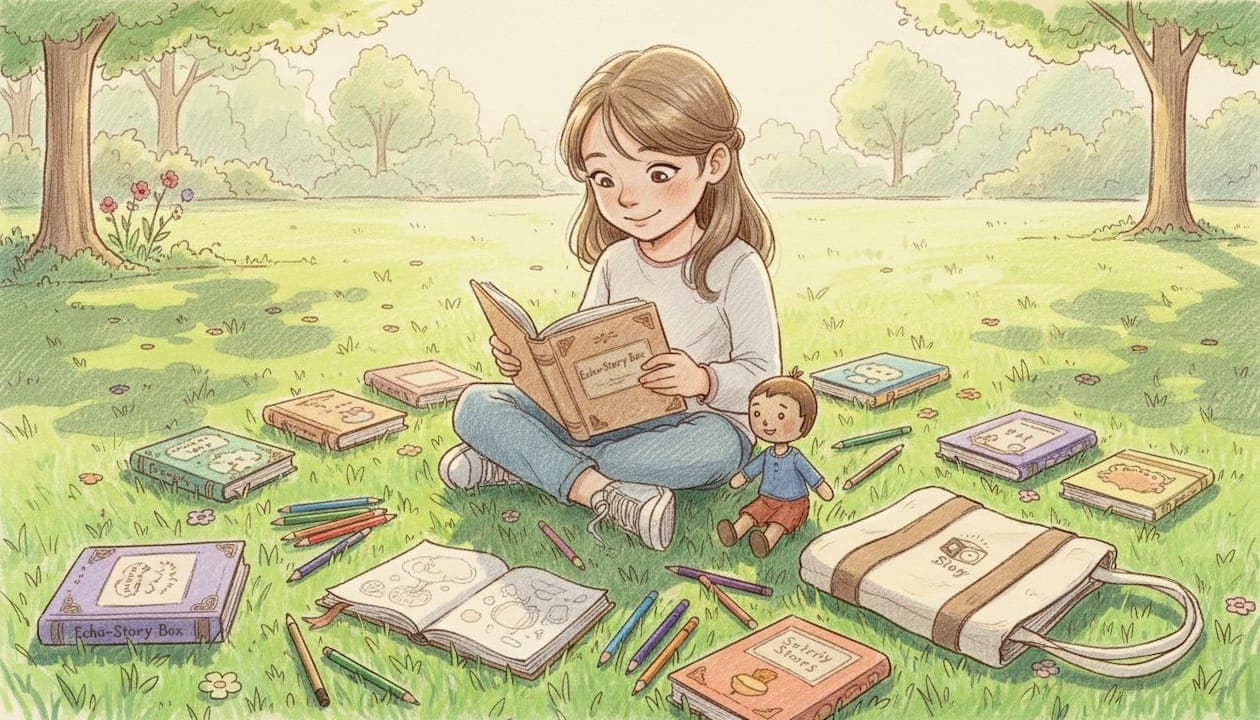
The most effective storytelling tools fostering curiosity in kids are those that put creative control in the child's hands, not the algorithm's. Whether you're a parent looking for a calm bedtime ritual or an educator building richer classroom moments, the right tool makes a child an author, not just an audience. Curiosity-driven storytelling, the recognized practice of using narrative frameworks and child-led input to spark questioning and imagination, outperforms passive media consumption at every developmental stage. This guide covers the top options for children aged 4 to 10, from AI-assisted apps like Kid Creator Studio and ZunoTales to screen-free audio players like Echostory-box, with honest guidance on what actually works.
1. Storytelling tools fostering curiosity in kids: what makes them work
Not every story app or kit belongs in this category. The tools that genuinely build curiosity share three traits: they require the child to make creative decisions, they adapt to the child's interests, and they reward participation with a finished product the child feels proud of. Tools that simply play pre-written stories are audiobooks, and good ones at that, but they are not curiosity-driven storytelling tools. The distinction matters because child agency in storytelling is what keeps imagination central and AI in a supporting role. When a child decides the hero's name, the setting, and the problem to solve, they are practicing the same cognitive moves that build critical thinking and empathy over time.
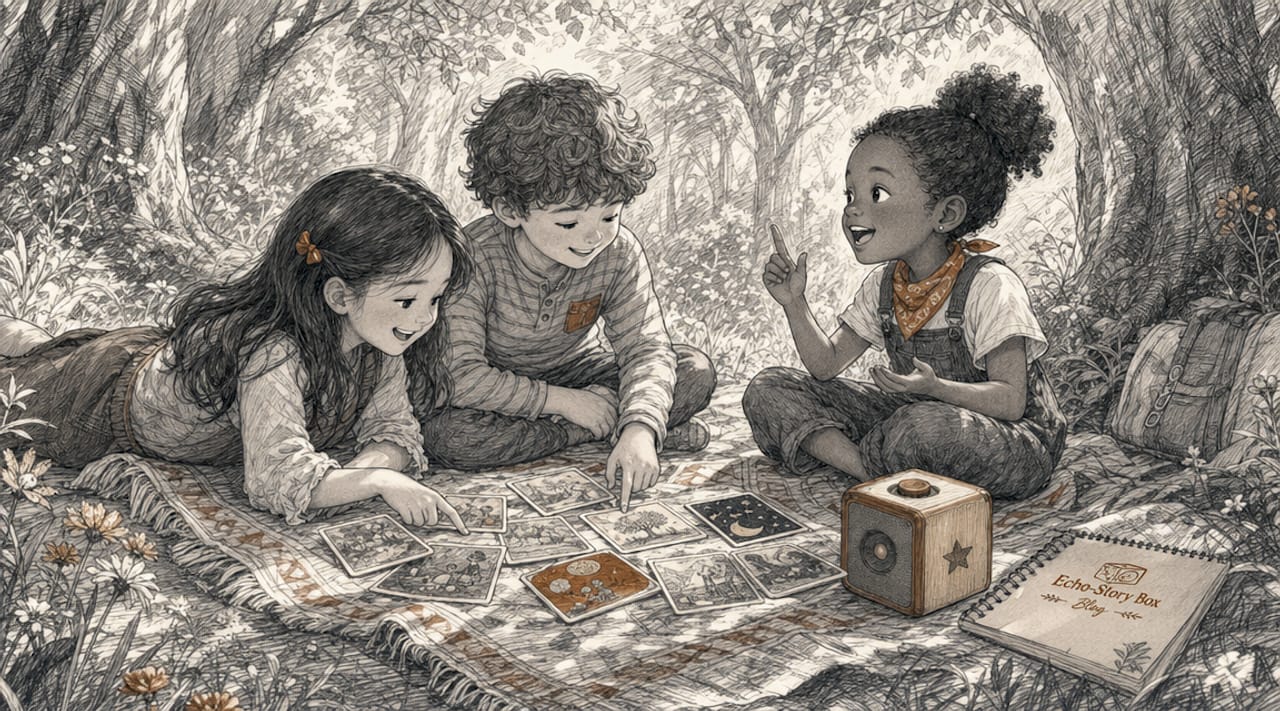
2. Kid Creator Studio: voice-first storytelling for ages 4 and up
Kid Creator Studio is an AI storybook maker built specifically for children aged 4 to 10, and its defining feature is the microphone. Voice-first interfaces let children as young as 4 express full story structures orally, long before their writing skills catch up. This matters enormously for early learners. A 5-year-old who cannot yet write "the dragon flew over the mountain" can absolutely say it, and Kid Creator Studio turns that spoken sentence into an illustrated page. The result is a finished storybook the child genuinely authored. That sense of ownership builds confidence in a way that pre-generated content simply cannot replicate.
3. ZunoTales: fast, personalized story generation in under 2 minutes
ZunoTales generates fully illustrated, narrated stories in under 2 minutes, making it one of the most practical tools for busy families and classroom transitions. The child provides prompts, chooses characters, and selects a setting. The AI then illustrates and narrates while the child remains the creative director. ZunoTales also offers multiple story modes, including adventure, mystery, and educational themes, so the tool grows with the child's interests. For educators, this speed means a story can be created and shared within a single 10-minute session, fitting neatly into morning circle time or a reading warm-up.
Pro Tip: Ask your child to give ZunoTales the most unusual character they can imagine. A purple elephant who is afraid of peanuts, for example. Unusual prompts produce funnier stories and teach children that creativity has no rules.
4. Vooks Creator: drawing and narration for narrative mastery
Vooks Creator takes a hands-on approach by asking children to draw their own illustrations and record their own narration. Child-generated voice and drawings build creative ownership in a way that AI-generated art cannot. When a child draws a lopsided castle and records themselves saying "the queen was very grumpy today," they are practicing sequencing, character motivation, and oral language simultaneously. Vooks Creator is particularly strong for children aged 6 to 10 who are ready to manage a multi-step creative process. Teachers report that children revisit their own Vooks stories repeatedly, which is a reliable sign of genuine engagement rather than passive consumption.
5. Storybox: safe, ad-free story creation with parental controls
Storybox is a kids' story creator app built with privacy at its core. COPPA-compliant platforms like Storybox use on-device voice processing and parental dashboards to keep children's data safe and content age-appropriate. This is not a minor feature. Parents who hand a tablet to a 6-year-old need to know the app will not serve ads, collect behavioral data, or recommend unvetted content. Storybox also includes content filtering so the stories children create stay within safe, family-friendly boundaries. For educators using shared devices, the parental dashboard allows usage limits and content reviews without interrupting the child's creative flow.
6. How storytelling activates curiosity: the psychology behind it
Storytelling activates emotional brain centers, increasing engagement by up to 300% compared to passive content. That number reflects a real neurological shift. When a child is emotionally invested in a story, they ask more questions, retain more information, and make more connections to their own experience. Classic narrative frameworks amplify this effect. The Hero's Journey, for example, teaches children sequencing and conflict resolution by giving them a familiar structure to hang their ideas on. Experts also advise avoiding fully pre-written stories and instead using frameworks that start in the middle of the action, forcing children to ask "but how did we get here?" That single question is the engine of curiosity.
The three core benefits of curiosity-driven storytelling for children aged 4 to 10 are:
- Language development. Oral storytelling expands vocabulary faster than passive listening because children must retrieve and use words, not just hear them.
- Empathy. Creating characters with different feelings and problems teaches perspective-taking in a low-stakes, playful context.
- Critical thinking. Deciding what happens next in a story is a genuine problem-solving exercise, especially when a child has to resolve a conflict they introduced.
"Children who author their own stories don't just learn to read. They learn to think." This principle, supported by decades of literacy research, is why the best creative tools for kids prioritize creation over consumption.
7. Digital vs. screen-free vs. hybrid: choosing the right format
| Format | Best for | Key benefit | Watch out for |
|---|---|---|---|
| Digital apps (Kid Creator Studio, ZunoTales) | Quick sessions, classroom use | Fast generation, interactive features | Screen time accumulation |
| Screen-free audio players (Echostory-box) | Bedtime, calm listening | Focused imagination, no overstimulation | Less child-created content |
| Hybrid tools (Vooks Creator) | Creative projects, older kids | Combines drawing, voice, and digital output | Requires more setup time |
Screen-free storytelling devices that use physical triggers like NFC cards or dedicated audio players reduce cognitive overload and help children focus on the story itself. Parents consistently report stronger listening engagement with audio-based tools compared to tablets. Digital apps offer speed and interactivity but require clear time boundaries. Hybrid tools sit in the middle, giving children a tactile creative process with a digital output. The right choice depends on your goal. For bedtime calm, screen-free wins. For classroom creativity, digital apps are faster. For a weekend project, hybrid tools produce something a child can share and keep.
Subscription costs across digital tools range from $9.99 per month to $79.99 per year, with most offering free trials. Screen-free physical options like Echostory-box involve a one-time hardware purchase plus optional story card packs, which often works out more affordable over a full year of use.
8. Echostory-box: screen-free audio storytelling for families
Echostory-box is not an app. It is a physical audio player that works through NFC story cards. A child taps a card, and the story begins. There are no menus, no ads, no recommendations, and no scrolling. This simplicity is the point. Screen-free audio tools like Echostory-box reduce overstimulation and create a calmer, more focused listening experience. Echostory-box also supports family voice recordings, so grandparents can record bedtime stories that children access by tapping a card. For families who want to preserve family voices and reduce screen dependence at the same time, this combination is genuinely rare. The original story adventures featuring characters like Theo the Rabbit also introduce children to historical figures, vocabulary, and values in a format that feels like play, not school.
9. Tips for choosing and using storytelling tools effectively
Choosing the right tool comes down to a few clear priorities:
- Prioritize child agency. Look for tools where the child provides voice input, drawings, or story decisions. Tools that generate complete stories without child input are entertainment, not curiosity-driven storytelling.
- Match the tool to the moment. Use screen-free audio tools for bedtime. Use fast digital apps for classroom transitions. Use drawing-and-narration tools for weekend creative projects.
- Keep sessions short. Sessions under 10 minutes work best for ages 4 to 7. Longer sessions are fine for older children who are deep in a creative project.
- Combine formats. A child who listens to an Echostory-box adventure at bedtime and then creates their own sequel on Kid Creator Studio the next morning is getting the full benefit of both approaches.
- Use storytelling prompts. Start with "What if your pet could talk?" or "What would happen if it snowed inside your school?" These curiosity-driven prompts produce richer stories than open-ended "tell me a story" instructions.
- Check for safety standards. Any tool used by children under 13 should be COPPA compliant with clear parental controls and no behavioral advertising.
Pro Tip: Pair vocabulary-building games with storytelling sessions. A child who just learned the word "reluctant" will almost always find a way to use it in their next story.
Key takeaways
The most effective storytelling tools for children aged 4 to 10 combine child-led creativity, safe design, and formats that match the moment, whether screen-free audio, digital apps, or hands-on hybrid tools.
| Point | Details |
|---|---|
| Child agency is non-negotiable | Tools where kids make creative decisions build more curiosity than passive story players. |
| Screen-free options reduce overstimulation | Audio players like Echostory-box create calmer, more focused listening than tablet-based tools. |
| Safety standards matter | Look for COPPA compliance, parental dashboards, and ad-free environments for children under 13. |
| Match the tool to the moment | Use fast digital apps for classrooms, screen-free audio for bedtime, and hybrid tools for creative projects. |
| Short sessions work best | Sessions under 10 minutes are most effective for children aged 4 to 7. |
Why I think most parents are looking at this the wrong way
I've spent a lot of time watching children interact with storytelling tools, and the pattern I keep seeing is this: parents choose tools based on features, and children choose tools based on how the tool makes them feel. A child who feels like the author of something real will return to that tool again and again. A child who feels like they are watching someone else's story will drift back to YouTube within 20 minutes.
The tools that consistently produce that "I made this" feeling are the ones that require something from the child. Kid Creator Studio requires a voice. Vooks Creator requires a drawing. Echostory-box, at its best, requires a family to sit together and listen. The tools that ask nothing of the child produce nothing lasting.
I also think the screen-free versus digital debate misses the real question, which is whether the child is active or passive. A child who is actively directing a story on a tablet is doing something more valuable than a child who is passively listening to a pre-recorded audio file. The medium matters less than the child's role in it. That said, storytelling and brain development research consistently shows that reducing visual stimulation during story time improves comprehension and imagination. So screen-free tools have a genuine edge for listening and reflection, even if digital tools win on creative output.
The best approach is both. Use screen-free audio for calm and connection. Use creative digital tools for making and sharing. And never underestimate the power of a parent or grandparent simply telling a story out loud, with no device at all.
— Bob
Give your family a screen-free story experience
If you are looking for a storytelling tool that requires no screen, no setup, and no learning curve, Echostory-box is worth a close look. Children tap a story card and the adventure begins. It is that simple.
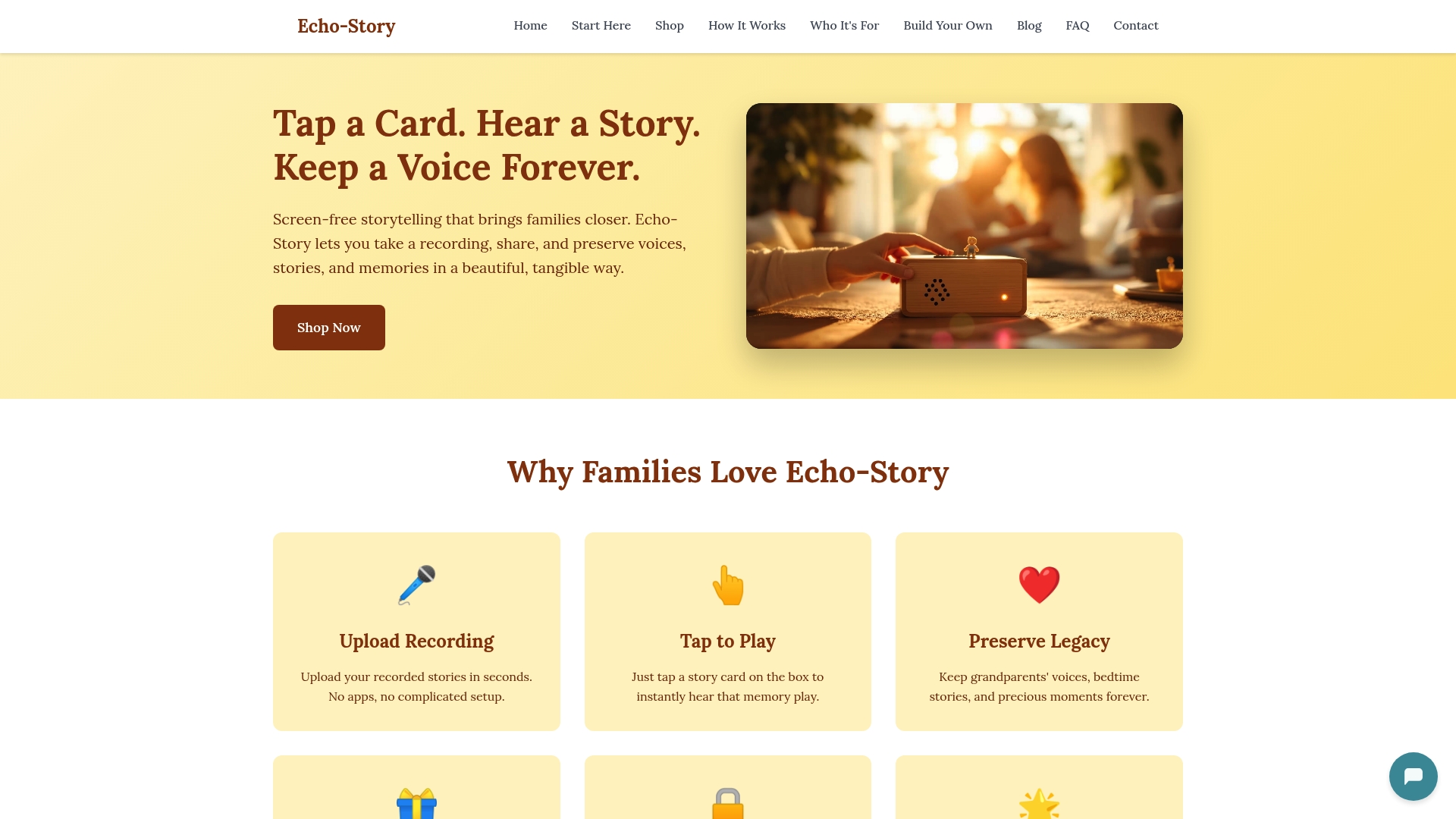
Echostory-box supports original story adventures, personalized experiences with your child's name and family members, grandparent voice recordings, and educational history stories. There are no ads, no notifications, and no complicated menus. Just stories your child can hold. Visit Echostory-box to explore screen-free storytelling options for families, or learn more about who it's designed for to find the right fit for your home or classroom.
FAQ
What are the best storytelling tools for kids aged 4 to 10?
Kid Creator Studio, ZunoTales, Vooks Creator, Storybox, and Echostory-box are among the strongest options, each offering different formats from voice-first digital apps to screen-free audio players. The best choice depends on whether you prioritize creative output, calm listening, or classroom speed.
How do storytelling tools build curiosity in children?
Storytelling activates emotional brain centers and increases engagement by up to 300% over passive content, and tools that require children to make creative decisions amplify this effect by turning them into authors rather than audiences.
Are storytelling apps safe for young children?
The strongest tools are COPPA compliant with parental dashboards, ad-free environments, and content filtering. Storybox and Kid Creator Studio both meet these standards, and screen-free options like Echostory-box remove digital safety concerns entirely by design.
How long should a storytelling session be for a 5-year-old?
Sessions under 10 minutes work best for children aged 4 to 7, giving enough time to create or listen to one complete story without losing focus. Older children engaged in drawing-and-narration projects can sustain longer sessions naturally.
Can storytelling tools replace reading aloud to my child?
No. Reading aloud and shared storytelling provide emotional connection and language modeling that no app replicates. Storytelling tools work best as a complement to small group storytelling and family read-aloud time, not a replacement for them.