
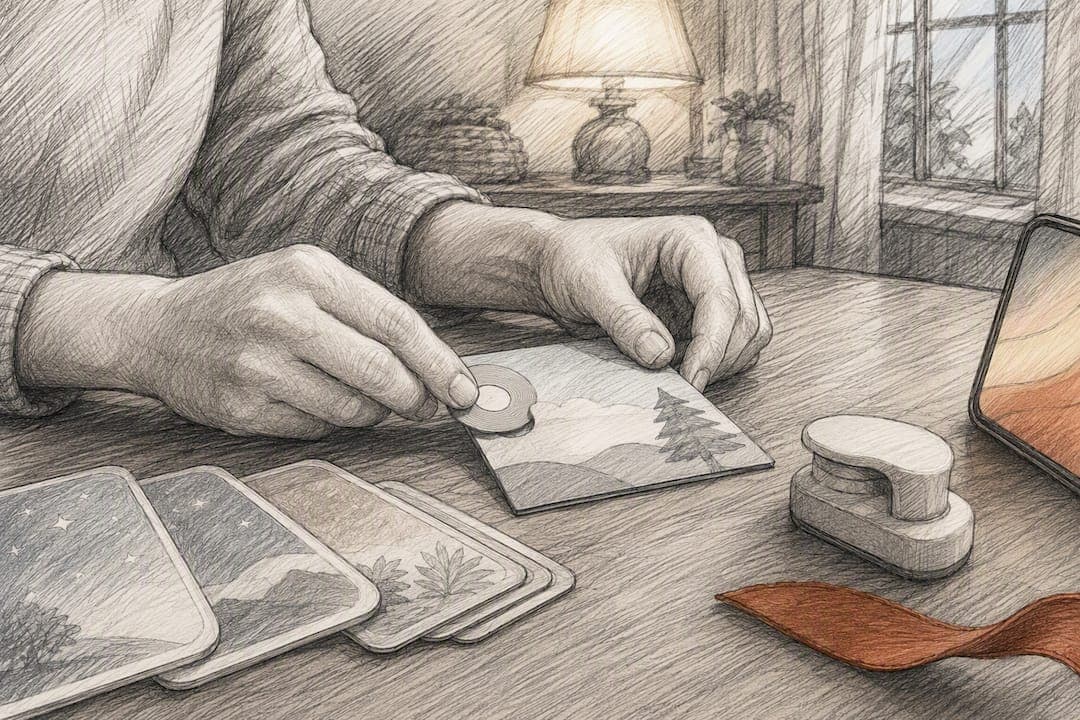
Yes, you can make your own NFC story cards, and there are really only two paths worth taking. The fastest is phone-based cloning, where you copy a playlist link onto blank tags using a companion story player. The other is building a self-hosted local player, like a small Raspberry Pi box, that reads a tag and plays the matching audio file directly from storage. Either way, you need to own or hold rights to every recording you load. Budget a few minutes for cloning, or a few hours (plus parts) for a local build.
TL;DR:
- Using an NFC-compatible smartphone and a free app, you can clone playlist URLs onto blank NFC tags within minutes, suitable for casual family use.
- Building a self-hosted local player requires parts like a Raspberry Pi Zero, NFC reader, and storage, offering full control and offline operation.
- Ensure audio files are in MP3 or M4A format at consistent bitrates and avoid ripping copyrighted commercial content to remain within legal limits.
- Troubleshooting commonly involves verifying tag support, confirming proper write and caching, and checking file organization before discarding hardware issues.
- For durability and kid-friendly design, laminate or seal cards, and organize them in labeled storage; recording family voices creates meaningful keepsakes.
Table of Contents
- What You Need for DIY NFC Story Cards
- How Do You Clone NFC Story Cards With a Phone?
- How Do You Build a Local NFC Storyteller?
- Preparing Audio Files: Formats, Copyright, and Best Practices
- Fixing Common Playback Problems
- Making Cards Kid-Friendly and Durable
- Preserving Family Voices With Legacy Story Cards
- A Maker Parent's Take: Start Small, Then Build
- Echo-Story Box: A Screen-Free Path Without the DIY Curve
- Sources
What You Need for DIY NFC Story Cards
Before you touch a single tag, decide which route fits your family. Each one asks for different tools, and the costs show up in different places.
Phone-based companion-player route works with an existing story player system. You will need:
- Blank writable NFC tags, usually NTAG213 or MIFARE Ultralight EV1
- An NFC-capable smartphone (most modern iPhones and Android phones qualify)
- One genuine "master" or make-your-own card from your player's ecosystem
- A free NFC writing app from your phone's app store
Self-hosted local player route builds a standalone device that never touches the cloud. Gather:
- A Raspberry Pi Zero (or similar small board)
- A PN532 or PN7150 NFC reader module
- A small speaker with an amplifier
- MicroSD storage for your audio library
- A stable USB power supply
- Adhesive NTAG tags, plus optional 3D-printed stands
Both paths use standard MP3 or M4A files at a consistent bitrate. The phone route trades money for convenience; you might pay ecosystem fees. The self-hosted route trades money for control; you're buying parts instead.
How Do You Clone NFC Story Cards With a Phone?
If you already own a companion story player, this is the quickest way to make custom cards. It takes minutes once you know the sequence.
- Prepare your audio and build a playlist. Upload your MP3 files into your player's web or app dashboard, and organize them into a single playlist.
- Link the playlist to a genuine master card. Most player ecosystems let you assign a playlist to a "make your own" card, which gives that playlist a cloud URL tied to the card's tag ID.
- Read and write with an NFC app. Open an NFC write app on your phone, scan the master card to grab its stored URL, then write that same URL onto your blank tags.
- Cache the playlist before you rely on clones. Tap the master card (or a fresh clone) on your physical player once while it's online. This step matters more than people expect: the phone-based cloning workflow only works because the player matches the card's tag ID against a cloud record, and it needs that first online play to store the playlist locally.
Pro Tip: Keep your master card somewhere safe and never write to it directly. Clone from it, and if a clone ever fails, you can always make another from the same source.
If a clone won't play, don't panic. Re-cache the playlist by playing the master card online again, double check your tag type is compatible with your player's chipset, and use an NFC read app to confirm the payload actually wrote correctly.
How Do You Build a Local NFC Storyteller?
A self-hosted player skips the cloud entirely. The architecture is simple: an NFC reader detects a tag, looks up that tag's unique ID in a mapping table, and plays the matching audio file from local storage. No account, no internet dependency, no subscription.
Community projects give you a real head start here. StoryBox shows a working Raspberry Pi setup where tag IDs map to folders full of MP3 files, and AudioBox for Kids demonstrates a similar pattern using Arduino and a DFMiniPlayer module, complete with bookmarking and play-mode menus.
Parts list:
- Raspberry Pi Zero (or comparable small board)
- PN532 or PN7150 NFC reader
- MicroSD card for the operating system and audio files
- Small amplifier and speaker
- USB power supply
Setup steps:
- Flash the Pi's operating system and install the NFC driver library (libnfc is the common choice).
- Copy your organized MP3 files onto the SD card in clearly labeled folders.
- Create a mapping file that links each tag's UID to a folder, or use a community web interface like Favolotto to upload files and assign tags visually.
- Tap each tag and confirm the correct file plays before you seal anything into a case.
Watch for tag-family compatibility (not every reader plays nicely with every tag brand), consistent file naming, and reliable power if the build needs to travel around the house.
Preparing Audio Files: Formats, Copyright, and Best Practices
Stick to MP3 or M4A at a steady bitrate. Wildly inconsistent bitrates across your library are a common cause of stuttering playback. For longer stories or full audiobooks, split the audio into shorter chapter files. A five-minute file is far easier for a small speaker and player to handle than a sixty-minute one, and it lets a child stop and resume without losing their place.
Copyright is not optional. Only load personal recordings, public-domain works, or audio you legally own outright. Never rip commercial audiobooks or try to work around streaming platform protections; that's a legal line, not a technical suggestion.
A few habits save you headaches later:
- Record in a quiet room and keep takes short so mistakes are easy to redo.
- Name files consistently (e.g., "GrandmaBedtime_01.mp3") so mapping stays organized.
- Back up your master recordings in two places before you ever touch a tag.
Screen-free audio has real developmental backing, too. The American Academy of Pediatrics notes that audio players support listening skills, vocabulary growth, and imagination when used alongside shared reading, not as a replacement for it. That distinction is worth keeping in mind as you build your library.
Fixing Common Playback Problems
Most "broken" cards aren't broken at all. Before assuming the worst, run through a short checklist:
- Confirm the tag type matches what your player or reader supports.
- Verify the write actually completed using an NFC read app.
- For cloud-backed players, make sure the playlist was cached while online at least once.
- For local builds, check that file names and folder paths match your mapping table exactly.
- Test your speaker and power supply on their own to rule out a hardware issue.
If a clone still won't play, re-cache the playlist on the physical player, then re-write the tag with a fresh NDEF payload. Swap in a different tag brand if the reader consistently ignores one type. And for local players, check file permissions; a surprising number of "silent" cards are just a folder the audio process can't read.
Pro Tip: An NFC read app on your phone is the fastest diagnostic tool you own. If it can't read the tag cleanly, your player won't either.
Making Cards Kid-Friendly and Durable
A card that looks good and survives sticky little hands matters as much as the tag inside it. Print simple icons or photos for pre-readers who can't sound out titles yet, and cut corners round so edges don't fray or poke.
For durability, laminate cardstock, use vinyl sticker paper on plastic blanks, or embed the tag inside a 3D-printed stand or sealed pocket. Any of these will outlast a plain paper card by months.
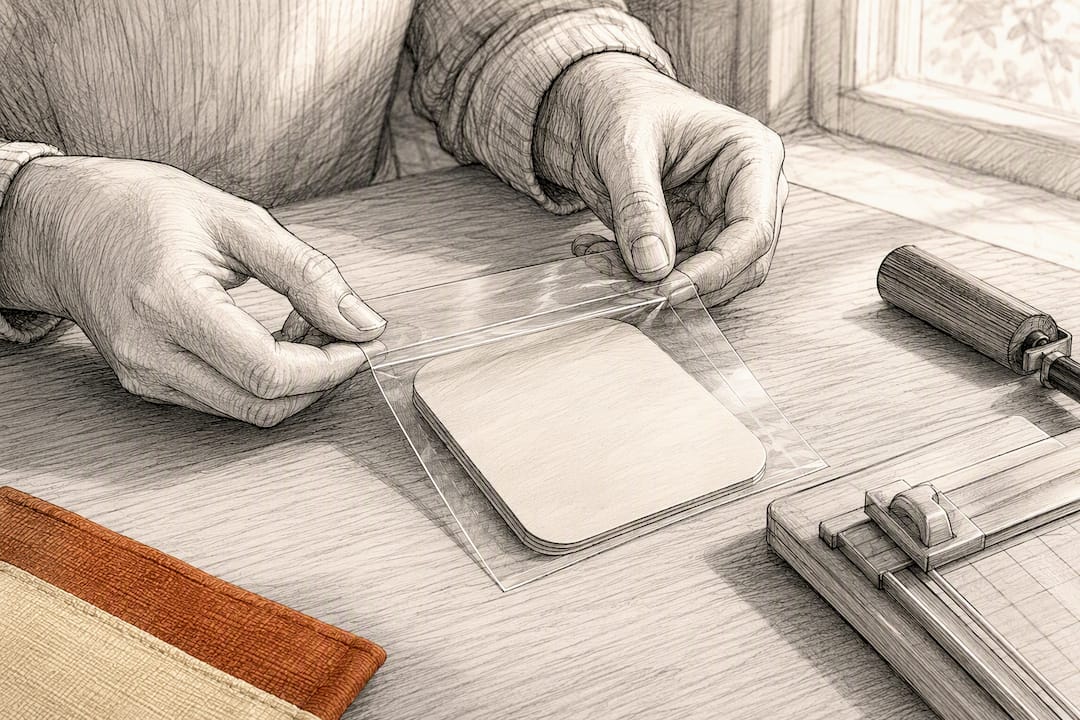
Storage matters too. A labeled box or tray with simple categories (title, reader, date recorded) turns a growing pile of cards into something a child can actually browse and choose from on their own.
Preserving Family Voices With Legacy Story Cards
Recording family voices is where this whole project gets meaningful. Plan short segments rather than one long take, record clean masters, export them as MP3s, and back up both to the cloud and an external drive. Losing a grandparent's only recording to a corrupted SD card is the kind of mistake you only make once.
For the actual card, create a playback-optimized copy separate from your master file, and jot down who recorded it, when, and for what occasion. That small bit of documentation turns a random MP3 into a real keepsake years later.
- Keep masters untouched; only edit copies meant for cards.
- Label recordings with names and dates, not just track numbers.
- Store masters in two locations, minimum.
Pro Tip: If you want multilingual narration for a card, without recording every language yourself, a service like Arkian's narration production can handle voice files for you.
If all this sounds like more than you want to manage, some supported products handle recurring story packs, DIY guides, and personalized recordings so you don't have to build the whole system from scratch.
A Maker Parent's Take: Start Small, Then Build
My first card was a two-minute recording of my dad reading a bedtime rhyme he used to say to me. It took one evening and one blank tag. Hearing my daughter tap it and grin at his voice told me everything I needed to know: don't overthink this. Make one recording, put it on one card, and see how your family reacts before you build a library of fifty. The system can always grow. The moment doesn't wait.
— Bob
Echo-Story Box: A Screen-Free Path Without the DIY Curve
If the parts lists, tag mapping, and soldering sound like more project than you have time for right now, Echo-Story Box gives you the same screen-free outcome without the build. It's a ready-made audio player that works with NFC story cards straight out of the box, and it also supports story card packs, a monthly mailed subscription, and personalized story creation for kids ages 3 to 10.
Some audio storytelling products fit families who want the preservation piece handled for them too. Users can turn a grandparent's voice recording, a family history, or a faith-based message into a personalized story card without managing their own server or writing scripts. DIY enthusiasts can find build guides and printable resources for a hybrid approach from some platforms.
Ready to see what a supported, screen-free setup looks like for your family? Visit the Echo-Story Box product page to explore ready-made boxes, story card packs, and personalized story options.
Sources
For the child-development case behind screen-free audio, the American Academy of Pediatrics' guidance on audio players is worth bookmarking. For hands-on builds, explore AudioBox for Kids for hardware and code, or browse our guide on storytelling tools that foster curiosity in kids for more family-friendly ideas.
- Audiobooks, audio players and child development — American Academy of Pediatrics
- Custom Yoto cards — phone-based cloning and scripted uploader (GitHub)