
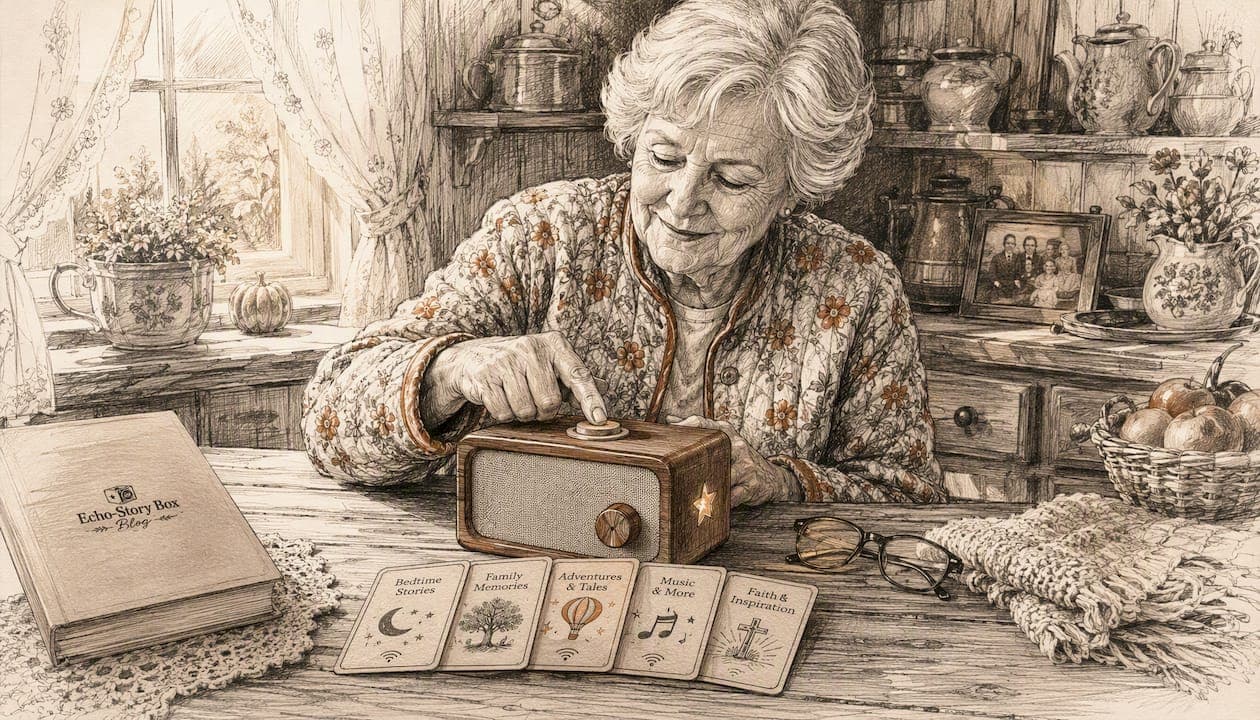
For seniors who are hard of seeing and grandchildren ages 3–10, the best single solution is a tactile, tap-to-play story box like Echostory-box. No menus to navigate, no screen to squint at, no ads interrupting the story. Here are three steps to get started right now:
- Pick a tactile or voice-first device. NFC story cards and physical tap-to-play boxes let seniors select a story by touch alone, following the same accessible-format principles that Perkins School for the Blind recommends for low-vision users (DAISY, MP3, and accessible audio formats).
- Choose short, calm stories. Aim for 10–20 minute episodes. That length holds a young child's attention and keeps cognitive load low for seniors.
- Add at least one family-voice recording. A grandparent's voice reading a short message or bedtime story creates a personal connection no commercial audiobook can match.
Table of Contents
- Why standard audiobooks can be hard for seniors who are hard of seeing
- Screen-free categories that work better than standard audiobooks
- Why Echostory-box works well for parents and grandparents
- How to choose the right screen-free audio solution for intergenerational use
- Practical setup tips for seniors who are hard of seeing
- How to make stories engaging for kids (3–10) while staying senior-friendly
- Price ranges, U.S. buying options, and DIY choices
- Key Takeaways
- Why the "simple" device is usually the right one
- Echostory-box: screen-free stories for every generation
- Useful sources and further reading
Why standard audiobooks can be hard for seniors who are hard of seeing
Most audiobook apps and streaming players are built around a visual interface. Tiny icons, scrolling menus, and swipe gestures assume the user can see the screen clearly and has steady fine motor control. For a senior with low vision or reduced dexterity, that assumption breaks down fast.
There is also the attention challenge. Long audiobooks often run six to twelve hours, with chapter menus that require navigation every time the device is picked up. For seniors managing cognitive changes, finding the right chapter again can feel discouraging. Children ages 3–10 face the opposite problem: their attention spans are short, and a two-hour recording loses them in the first twenty minutes.
Hearing clarity matters too. Audio content for seniors works best when narration is calm, consistent, and free of sudden volume spikes. Many streaming apps insert ads at unpredictable volumes, which is jarring for hearing-aid users. ClearTales-style design addresses this directly: episodes run 10–20 minutes, use steady narration, and avoid abrupt audio changes that can startle or confuse.
Accessibility note: Calm, consistent narration in short 10–20 minute episodes reduces cognitive load and helps seniors stay focused from start to finish.
Screen-free categories that work better than standard audiobooks
Not every alternative fits every household. Here is a quick overview of the main categories:
| Category | Best for | Accessibility strength |
|---|---|---|
| Tactile NFC/tap-to-play boxes | Predictable, independent use | Touch-only selection, no menus |
| Large-button dedicated players | Simple playback, single user | Physical controls, no touchscreen |
| Voice-first smart speakers (locked mode) | Caregiver-nearby households | Hands-free, voice commands |
| Mailed story-card subscriptions | Recurring fresh content | Caregiver-managed, no app needed |
| Family-voice recordings | Personal connection, memory care | Familiar voice, zero navigation |
The strongest options for hard-of-seeing seniors are tactile boxes and large-button players, because they restore independence without requiring any screen interaction. Tactile triggers like NFC cards or physical blocks let a listener choose a story by feel alone, a design principle proven in community maker projects like Reprobooktor.
Red-flag categories to avoid for this audience:
- Standard tablets without a locked kiosk mode (too easy to exit the app accidentally)
- Ad-supported streaming apps (unpredictable interruptions, visual menus)
- Players with tiny touch targets or capacitive-only screens
Family-voice recordings are worth calling out separately. Phone calls, voice memos, and simple digital recorders are among the most accessible low-tech options for capturing grandparent stories, and they pair naturally with a tap-to-play box.
Why Echostory-box works well for parents and grandparents
Echostory-box is built around a single, tactile interaction: place an NFC story card on the box, and the story begins. No login screen, no menu, no remote control. That single-action design is exactly what physical affordances research shows seniors need: large triggers, one-step play, and a persistent resume position so the story picks up where it left off.
Key features that matter for this audience:
- No ads, no notifications, no social media. The privacy-forward design means nothing unexpected interrupts a quiet listening session.
- Family-voice recording support. Grandparents can record bedtime stories, life lessons, or holiday messages. Children revisit those recordings for years.
- Personalized stories. A child's name, a pet, a favorite place can be woven into the story, which deepens engagement for young listeners.
- Short curated story packs. Episodes are designed to fit the 10–20 minute window that works for both kids and seniors.
- Hearing-aid friendly audio. Clear, consistent narration and a standard audio output make it easy to connect an external amplifier or hearing-assist device.
Echostory-box is available in the U.S. as a preassembled unit with a starter story pack, or as a DIY build guide for families with maker skills. Both options are sold directly through the brand's website.
Accessibility note: Raised adhesive dots and external amplifiers are low-cost additions that significantly improve independent use for seniors with both low vision and hearing loss.
Pro Tip: Label each NFC story card with a raised dot pattern or a small tactile sticker so your senior family member can identify stories by touch before placing the card on the box.
How to choose the right screen-free audio solution for intergenerational use
Use this checklist before buying or building any device:
- Tactile or voice-first controls. Can the senior select a story without looking at a screen?
- Single-action play. Does pressing one button or placing one card start the audio immediately?
- Durable hardware. Is the device built to handle daily use by both a child and a senior?
- Caregiver setup mode. Can a family member preload content and lock the interface so the senior cannot accidentally exit?
- Hearing-aid compatibility. Does the device offer a line-out jack or support M4/T-coil hearing aids?
- Short, curated story lengths. Are stories 10–20 minutes, or can longer content be split into episodes?
- No-ads, privacy-forward policy. Is the content environment predictable and safe for both children and seniors?
- Simple content updates. Can a caregiver add new stories remotely or by mail without requiring the senior to do anything?
Red flags at purchase:
- Required account sign-in at startup (a barrier for seniors with low vision)
- Ad-supported free tiers that insert unpredictable content
- Complex Bluetooth pairing processes with no physical fallback
- No warranty or senior-focused customer support option
A caregiver-managed, locked-down device consistently outperforms a general-purpose tablet for this audience, because the senior never has to navigate past the story.
Practical setup tips for seniors who are hard of seeing
Follow these steps the first time you set up a tactile story box for a senior family member:
- Choose a quiet, consistent spot. Place the box in the same location every day. Predictability matters more than convenience.
- Set a comfortable volume level before handing the device over. If the senior uses hearing aids, test the audio with the aids in place and adjust accordingly.
- Add tactile markers. Use raised adhesive dots on each story card and on the box itself to mark the card-placement zone. A small bump of texture is enough.
- Preload 3–5 short stories. Start with familiar content: a family-voice recording, one classic tale, and one educational adventure.
- Create a labeled story shelf. Arrange cards in a small tray or box. Print story titles in large font, or use a braille label maker if the senior reads braille.
Daily-use tips:
- Keep the routine the same: same chair, same time, same card order.
- Post a simple large-print cheat sheet nearby listing each card's story name.
- If volume is still low after adjusting the device, a small external amplifier placed under the box can double the output without any wiring.
Pro Tip: Schedule a 15-minute session with your senior family member once a week to swap in a new story card together. That shared moment reinforces the habit and gives you a chance to check that everything is working.
For caregiver-only admin access, Echostory-box supports a setup mode that prevents the listener from changing content or settings. Back up family recordings to a second device or cloud folder so they are never lost. If anything stops working, the brand offers phone and email support specifically for families navigating setup.
How to make stories engaging for kids (3–10) while staying senior-friendly
The 10–20 minute window is the sweet spot for both audiences. Young children's attention spans align naturally with that length, and short episodes reduce cognitive load for seniors. Longer stories work best when split into daily episodes, so each listening session feels complete.
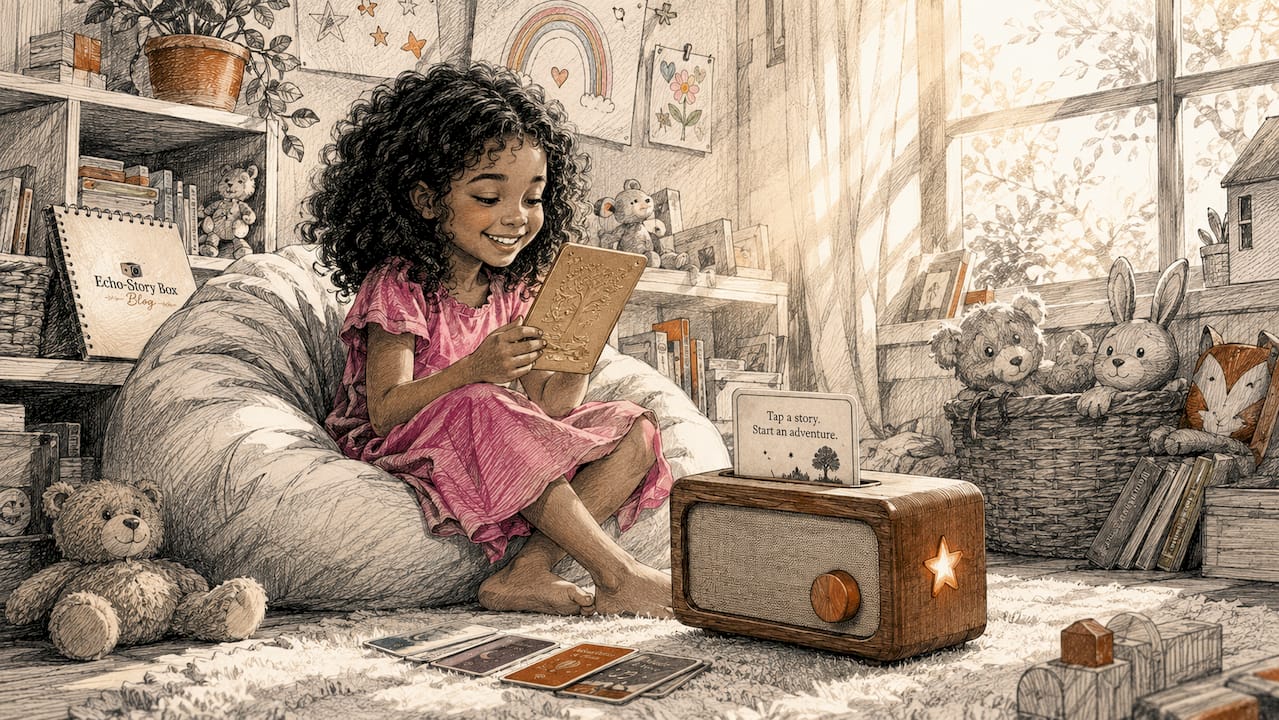
Personalization closes the distance between generations. Adding a grandchild's name, a pet's name, or a local place into a story gives both the child and the senior something specific to talk about afterward. Rotating a family-voice recording once per session keeps the emotional connection fresh.
A simple playlist that works for both ages:
- Warm-up: a grandparent's voice message (1–2 minutes)
- Main story: a short educational or classic adventure (10–12 minutes)
- Wind-down: gentle music or a familiar lullaby reprise (1–3 minutes)
That structure gives a toddler a clear beginning and end, and gives a senior a predictable, calming arc. Audio storytelling also helps seniors feel purposeful and connected, especially when the content includes their own voice or family memories. Accessibility, as research on friendship for over-60s shows, is as much about social belonging as it is about physical ease of use.
Engagement note: A grandparent's recorded voice message at the start of each session creates a moment of connection that no commercial story can replicate.
Price ranges, U.S. buying options, and DIY choices
| Option | What you get | Best for |
|---|---|---|
| Preassembled Echostory-box + starter pack | Ready-to-use box, NFC cards, setup guide | Families who want zero assembly |
| Monthly mailed story-card subscription | New NFC story cards delivered each month | Ongoing fresh content without screen time |
| DIY build guide + component kit | Step-by-step instructions, parts list | Maker-minded families on a budget |
For families comfortable with electronics, a Raspberry Pi-based tactile player is a proven community project. One builder documented a system using DVD-sized boxes with RFID tags: placing a "book" on the reader starts playback and saves the last-play position. It works well, but it requires ongoing caregiver maintenance and manual content updates.
Buying considerations:
- Preassembled units from Echostory-box ship directly in the U.S. and include caregiver setup support.
- DIY guides are available on the Echostory-box site for hobbyist makers who want to customize the hardware.
- The NLS at the Library of Congress offers free audiobooks and playback devices for qualifying users with low vision or print disabilities, which can supplement a tactile box with a large free content library.
Key Takeaways
A tactile, tap-to-play story box with short 10–20 minute episodes and at least one family-voice recording is the most accessible screen-free audio solution for hard-of-seeing seniors and children ages 3–10.
| Point | Details |
|---|---|
| Tactile controls first | Choose a device where a senior can select a story by touch alone, with no screen required. |
| Short content wins | Stories of 10–20 minutes hold children's attention and reduce cognitive load for seniors. |
| Family voice matters | One grandparent recording per session adds emotional connection no commercial story can replace. |
| Caregiver setup is key | Preload 3–5 stories and lock the interface so the senior never has to navigate a menu. |
| Echostory-box fits both audiences | NFC tap-to-play, no ads, family-voice recording, and U.S. availability make it a practical first choice. |
Why the "simple" device is usually the right one
Most families I speak with start by looking for a feature-rich solution: a smart speaker with voice commands, a tablet with accessibility apps, a streaming service with a large catalog. Those options have real value. But for a senior who is hard of seeing and a five-year-old sitting beside them, complexity is the enemy of connection. The device that gets used every day is the one that requires the fewest steps to start. A tap-to-play box with a physical card does not ask anyone to remember a wake word, find an icon, or scroll past recommendations. It just plays.
What gets overlooked in most guides on accessible reading options is the emotional layer. A grandparent hearing their own voice come out of a small box, knowing a grandchild is listening, is not a technology story. It is a family story. The device is just the container. Echostory-box's no-ads, privacy-forward design means that container stays clean and quiet, which is exactly what both audiences need.
Echostory-box: screen-free stories for every generation
Echostory-box gives families a concrete alternative to screens and streaming apps: a preassembled tap-to-play box, monthly mailed story cards, and DIY build guides, all designed with no ads, no menus, and no complicated setup. For a hard-of-seeing senior and a grandchild sharing a listening session, that simplicity is the whole point.
Caregiver setup support, a warranty, and phone and email help are available for every purchase. Family-voice recording is built in, so grandparent messages become part of the story library from day one. Privacy is protected by design: no account required for the listener, no data collected from children, and no unexpected content ever interrupting a quiet afternoon.
Visit Echostory-box to browse preassembled boxes, story-card subscriptions, and DIY guides, and find the option that fits your family's needs and budget.
Useful sources and further reading
| Source | Why it's useful |
|---|---|
| NLS at the Library of Congress | Free audiobooks and playback devices for U.S. residents with low vision or print disabilities; a strong content supplement. |
| Perkins School for the Blind | Guidance on accessible audio formats (DAISY, MP3, EPUB) and recommended libraries for low-vision users. |
| American Foundation for the Blind | Practical product reviews and low-cost adaptations (raised dots, amplifiers) for seniors with vision and hearing loss. |
| ClearTales on Spotify | Model for calm, 10–20 minute dementia-friendly audio storytelling; useful reference for content pacing. |
| ElderVoice Blog | Caregiver strategies for audio storytelling, memory sharing, and low-tech recording options. |
| Reprobooktor (Prusa Blog) | Open-source tactile player design with read-aloud labels and a large mechanical selector; technical inspiration for DIY builds. |
| Raspberry Pi RFID player (GitHub) | Community build guide for a tactile audiobook player using RFID tags and DVD-sized boxes; good starting point for maker families. |